If you’re looking for an IPTV free trial before committing money to a subscription, you’re doing the right thing. No amount of website copy can tell you whether a service actually streams smoothly on a Saturday afternoon when everyone in the UK is watching the same football match. A free trial exists for exactly that reason: so you can judge a service with your own eyes, on your own television, before you pay a penny.
This guide covers how IPTV trials work in the UK, what you should get free, what to test during your trial period, and exactly how to activate your IPTVSelect trial — no card details, no commitment, full access.
Table of Contents
- What Is an IPTV Free Trial?
- Why Take a Free Trial Before Paying
- How an IPTV Free Trial Works
- What You Get in IPTVSelect’s Free Trial
- What to Test During Your Trial
- What Trials Tell You About a Provider
- How UK Trials Differ From Provider to Provider
- Preparing Before Your Trial Starts
- Compatible Devices for Your Trial
- How to Start Your IPTV Free Trial
- Why IPTVSelect’s Trial Is the Best IPTV Free Trial in the UK
- Common Trial Mistakes to Avoid
- IPTV Free Trial FAQ
- Conclusion
What Is an IPTV Free Trial?
An IPTV free trial is a time-limited, fully working version of a paid subscription. You receive the same login credentials a paying customer receives — a server address, username and password (Xtream Codes) or an M3U URL — and you use them in any compatible IPTV app for the trial period.
The standard trial length in the UK is 24 hours. That might not sound like much, but a single evening is enough to test the three things that actually matter: live sports during peak demand, channel-switching speed, and the accuracy of the electronic programme guide (EPG). If a provider’s servers can handle a Saturday 3pm Premier League kick-off, they can handle your everyday viewing.
Three things define a genuine free trial:
- No card details. A real trial costs nothing and requires no payment information. Any provider that asks for a card “to verify you” is either reselling your data or hedging because they doubt their own service.
- Full access. The trial should match the paid subscription — same channels, same sports, same VOD library, same server infrastructure. A degraded “trial server” tells you nothing about the real product.
- Automatic expiry. The trial ends on its own after the stated period. You shouldn’t need to cancel anything or chase the provider.
Key takeaway: If a “free trial” asks for a card, limits your channels, or makes you chase them to cancel, it isn’t a free trial worth having.
Why Take a Free Trial Before Paying
Nobody should buy an IPTV subscription blind. Here’s why the trial step matters so much in the UK market:
- Sports streaming is the real test. Sky Sports, TNT Sports, Premier League and PPV events put the heaviest load on any IPTV server. You can’t assess that from a sales page.
- Channel lists lie. Some providers advertise 20,000 channels but deliver 4,000 working ones. A trial lets you count what actually loads.
- Quality is invisible on paper. “HD” means different things to different providers. Some upscale SD streams and call it HD. Only your eyes can tell the difference.
- Support is a black box. The fastest way to judge a provider’s support is to contact them during the trial and time the response.
- Cheap doesn’t mean bad — but unverified cheap is a gamble. The UK IPTV market has hundreds of resellers. Most are fine; some disappear with your payment. A trial filters out the ones who can’t stand scrutiny.
Put simply: the trial is the only part of the IPTV buying process you can’t fake. Every reputable UK provider offers one, and providers who don’t are telling you something about their confidence in their own product.
How an IPTV Free Trial Works
The mechanics are the same across virtually every UK IPTV provider. Here’s the standard flow:
Step 1 — Request. You contact the provider (typically via WhatsApp or a contact form on their website) and ask for a trial.
Step 2 — Credentials. The provider sends you your trial credentials: either an M3U URL or Xtream Codes (server URL, username, password). This arrives by message within minutes at most providers during business hours.
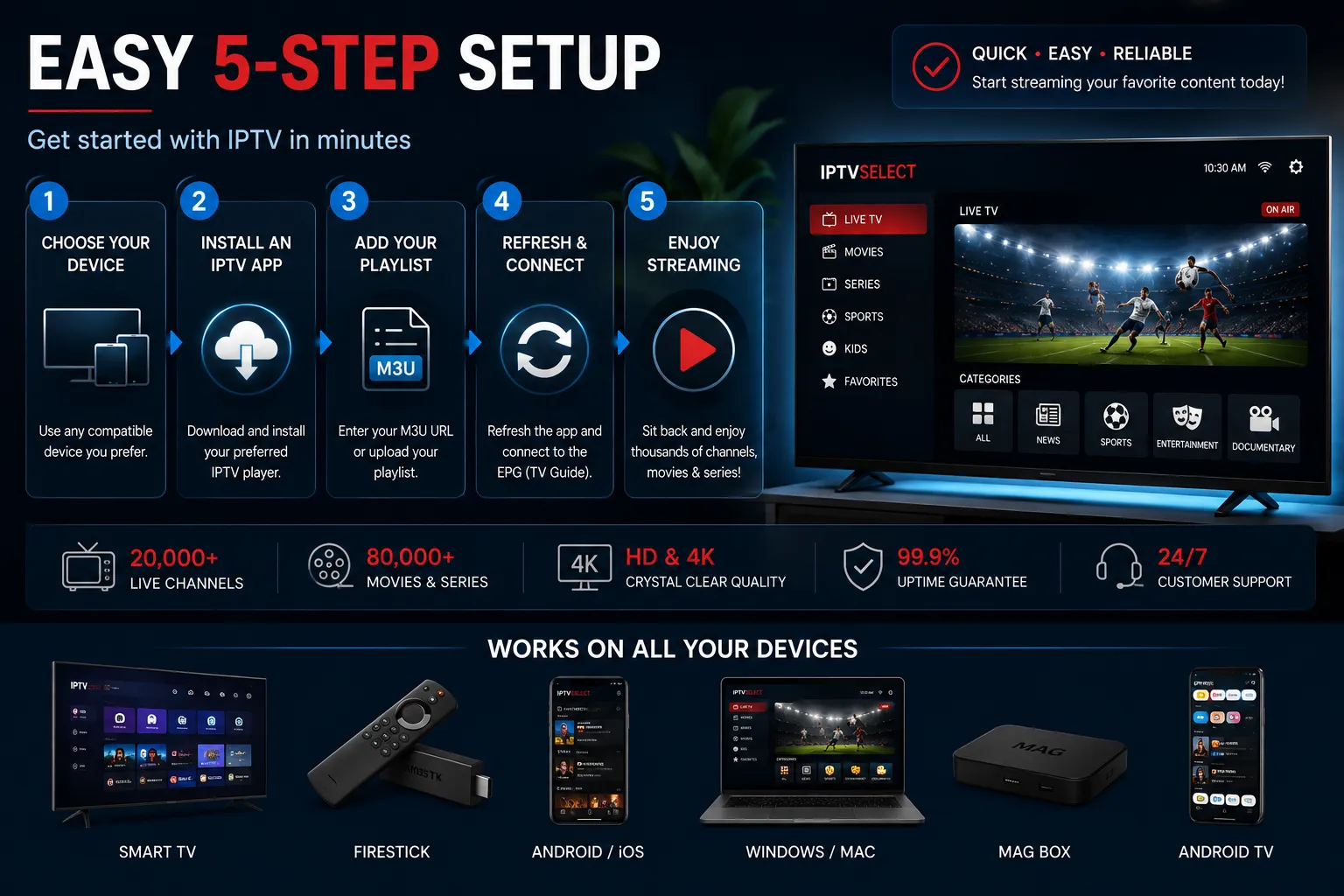
Step 3 — Activate. You open your chosen IPTV app (TiviMate, IBO Player Pro, Smarters, IPTV Extreme, GSE Smart IPTV and similar), enter the credentials, and the channel list loads.
Step 4 — Test. You use the service exactly as you would if you’d paid. Watch live TV, a sports match, a film from the VOD library, and check the EPG.
Step 5 — Decide. If you’re impressed, you subscribe. If not, the trial expires and you’ve lost nothing but a few minutes of setup time.
The entire process takes about five minutes, and the trial itself is completely free. There is no obligation to subscribe afterwards, and with IPTVSelect there’s no need to remember to cancel — the trial simply expires after 24 hours.
What You Get in IPTVSelect’s Free Trial
IPTVSelect’s 24-hour trial is not a stripped-down demo. You get the full subscription experience:
| What’s included | Trial details |
|---|---|
| Duration | 24 hours from activation |
| Cost | £0 — completely free |
| Card details | Not required |
| Live channels | 10,000+, full list |
| Sports | All included: Sky Sports, TNT Sports, Premier League, PPV |
| 4K / UHD channels | 200+ included |
| Movies & series (VOD) | 50,000+ titles |
| Server | Same infrastructure as paying subscribers |
| Setup help | WhatsApp support during activation |
The trial is identical to the paid service. That’s a deliberate choice: we want you to make your decision on the real product, not a demo. There are no restrictions on sports channels, no limited trial playlist, and no separate “trial server” that performs better than the real one.
What to Test During Your Trial
A 24-hour window is plenty of time — if you use it deliberately. Work through this checklist:
1. Live sports at peak time
Schedule your trial to overlap a big live event. Saturday 3pm Premier League kick-offs and Tuesday or Wednesday evening Champions League matches are the heaviest loads an IPTV server faces. If the stream holds steady then, it will hold steady for you.
2. Channel switching speed
Flick between ten channels in quick succession — UK HD channels, sports channels, an international channel or two. A premium server loads each channel in 1–3 seconds. Five seconds or more per switch indicates an overloaded server that will only get worse on busy evenings.
3. EPG accuracy
Open the guide on BBC One, ITV, Sky Sports Premier League and TNT Sports 1. Do the programme names and times match reality? An empty or wrong EPG is the first sign of a poorly maintained server.
4. Picture quality
Watch a channel you know broadcasts in HD and assess it honestly. Is it genuinely sharp, or does it look upscaled? Try a 4K channel if your TV supports it. Check the VOD library too — are recent releases present, and do they load quickly?
5. Support response time
Message the provider during the trial with a simple question. Note how long they take to reply. If pre-sale support is slow, imagine it on a Saturday evening when your stream drops during the match.
6. Stream stability over time
Leave a channel running for 30–60 minutes and check whether it buffers or drops. Some trials look great for ten minutes and degrade after half an hour — that’s a server capacity problem you want to spot now.
Key takeaway: A trial isn’t a tour — it’s a test drive. Use the checklist above and you’ll know more about the service than most of its paying customers.
What Trials Tell You About a Provider
A free trial isn’t just a way to sample channels — it’s also the clearest signal a provider sends about how they run their business. Read it like a document:
Trial included, no card. The provider believes the product sells itself and doesn’t need your payment details as leverage. This is the market’s standard for confidence.
Trial included, card required. The provider is either collecting data to market to you, or hedging against churn with a billing hook. Either way, “free” comes with a string attached — and the string is usually attached to your bank account.
Trial with restricted content. Sports excluded, VOD limited, a separate “trial playlist” with fifty channels instead of the full list. The provider is showing you what they want you to see, not what you’d be buying. A restricted trial is a marketing asset, not an evaluation tool.
No trial at all. The provider cannot withstand scrutiny before payment. There is no legitimate reason for this in 2026 — the technology makes trials trivial to issue, and the UK market’s best services all offer them.
Trial expiry behaviour. A clean auto-expiry says the provider’s systems are properly run. A trial that “accidentally” keeps working, or requires you to chase them to end it, indicates loose operations elsewhere — including billing.
The pattern to notice: providers that are confident in their infrastructure offer unrestricted, no-card trials. Providers that aren’t, don’t. When you shortlist candidates for your trial, this one filter removes most of the market instantly.
How UK Trials Differ From Provider to Provider
Not all 24-hour trials are equal, and the differences are worth cataloguing before you request yours:
| Feature | Confident provider | Average provider | Weak provider |
|---|---|---|---|
| Card required | No | Sometimes | Always |
| Sports channels in trial | Full access | Partial | Excluded |
| VOD access | Full library | Capped | None |
| Trial server vs real server | Same servers | Same servers | Separate trial server |
| Activation speed | Minutes | Hours | Next day |
| Setup support | Real person | Automated message | None |
| Expiry | Automatic | Automatic | Manual cancellation |
| Follow-up after trial | One optional message | Persistent sales messages | Payment pressure |
Use this table while you’re still choosing — before the trial even starts. A provider in the third column is telling you in advance what being their customer will feel like. Why would you find out after paying?
One more difference worth knowing: activation speed. Providers that send credentials within minutes have automated systems; providers that take a day are processing by hand. Hand-processed is not automatically bad — small teams do fine work — but automation correlates strongly with scale and reliability, and on a Saturday afternoon before a match, minutes matter.
Preparing Before Your Trial Starts
A trial is only as good as its setup. Ten minutes of preparation turns a forgettable 24 hours into a thorough evaluation:
Install your apps first. Download TiviMate (Fire Stick/Android), IBO Player Pro or Smarters onto every device you plan to test — phone and TV at minimum — before requesting the trial. Credentials that arrive at 2pm shouldn’t wait while you work out which button installs an app.
Check your connection. Run a speed test in the room where the TV lives. You want a stable 10 Mbps for HD, 25 Mbps for 4K, and a wired connection where possible. Testing a service over a weak Wi-Fi signal in the far bedroom tells you about your Wi-Fi, not the provider. See our internet speed guide for the full numbers.
Decide your test schedule. Pick the live events you’ll check — a Saturday 3pm kick-off, an evening Champions League match, a prime-time film from the VOD library. Knowing what you’ll watch when means you use every hour of the trial deliberately.
Write down your questions for support. This is your one free window to probe the provider’s team. Ask about server capacity, renewal terms, multi-connection pricing and what happens during outages — the answers tell you more than any channel count.
Have your payment method ready but parked. If the trial impresses you, you’ll want to subscribe before it expires. Knowing your plan in advance (monthly, quarterly, or the £59.99 annual) means you never make a rushed decision under the trial’s time pressure.
Compatible Devices for Your Trial
Your trial credentials work on anything you already own. IPTV is not tied to proprietary hardware, which is one of the main reasons it has replaced cable boxes in so many UK homes.
| Device type | Examples | Notes |
|---|---|---|
| Streaming sticks | Amazon Fire TV Stick (all generations) | Most popular choice in the UK |
| Android boxes | NVIDIA Shield, Formuler, generic Android TV boxes | Install an IPTV app from the Play Store |
| Smart TVs | Samsung, LG, Sony, Hisense | Install the app directly on the TV |
| Phones & tablets | iPhone, iPad, Android | Perfect for testing your trial in seconds |
| Computers | Windows PC, Mac | VLC, IBO Player or browser-based players |
| Games consoles | Xbox, PlayStation | Via supported apps |
| Set-top boxes | MAG boxes | Use portal mode with M3U/Xtream URLs |
If you already use a service like Netflix or Prime on a device, that device will almost certainly run IPTV too. You can test your free trial on your phone before you even switch on the TV — a convenient way to do a first-pass quality check.
How to Start Your IPTV Free Trial
Getting started with IPTVSelect takes less than five minutes:
- Message us on WhatsApp at +44 7782 259896 or visit our free trial page. We’ll ask which devices you plan to use and when you’d like to start.
- Choose your timing. If you want the toughest possible test, ask us to activate the trial shortly before a live event you care about.
- Receive your credentials. You’ll get your M3U URL or Xtream Codes — server URL, username and password — directly by message.
- Install an app. If you don’t have one yet, the two most popular in the UK are TiviMate (Android/Fire TV) and IBO Player Pro (most platforms). Both work with our trial credentials. Our installation guide covers the full setup.
- Enter your details and start watching. The full channel list loads automatically, including the sports and 4K sections.
- Decide. If you like what you see, choose a plan and we’ll upgrade your trial to a full subscription. If not, the trial expires on its own — no cancellation needed, no card to worry about.
No credit card. No upfront payment. No automatic billing. The 24 hours are genuinely free, and your decision afterwards is genuinely yours.
Why IPTVSelect’s Trial Is the Best IPTV Free Trial in the UK
Every provider in this market says they offer a free trial. Here’s what actually separates a worthwhile one:
- It’s exactly the paid product. Our trial uses the same servers, the same channel list and the same VOD library as the subscription you’d buy. No demo playlist, no degraded trial server.
- No card details, ever. You cannot be accidentally billed because we never take your payment details at the trial stage.
- Full sports access. Many providers exclude premium sports from trials. Ours includes Sky Sports, TNT Sports, Premier League and PPV channels — because that’s what most UK subscribers actually want to test.
- Human setup support. If you get stuck during activation, a real person helps you over WhatsApp. You’re not left with a credentials message and a forum thread.
- 24 hours is genuinely enough. Combined with the full channel list, one evening of proper testing tells you everything you need to know.
- A 7-day money-back guarantee backs the real subscription too. So even after you pay, you’re still protected. Our refund policy explains the details.
When you compare trial offerings across UK providers — what’s included, what’s excluded, what’s asked of you — the differences become obvious fast. A trial that hides sports, demands a card, or throttles quality is not a trial; it’s a marketing gimmick.
Common Trial Mistakes to Avoid
People make the same errors with IPTV trials year after year. Avoid these and you’ll make a properly informed decision:
Testing off-peak. A Wednesday morning trial tells you little about Saturday night. Time your trial around live sport or peak evening viewing.
Judging on one device. Test on at least two — your phone and your TV, for example. Performance can differ by app and device.
Skipping the EPG check. It’s the most boring item on the checklist and the most revealing. A broken EPG signals a neglected server.
Ignoring support during the trial. The trial is the one time you can hammer the support team without feeling bad about it. Use it.
Falling for “free forever” trials. Trials expire by design — that’s not a flaw, it’s the point. Providers offering unlimited free access usually compensate elsewhere (ads, poor uptime, or your data).
Buying before the trial ends. The temptation to subscribe mid-trial after one good match is real. Use the full 24 hours, check the whole checklist, then decide.
IPTV Free Trial FAQ
How long does an IPTV free trial last in the UK?
Do I need to give my card details for a free IPTV trial?
What’s the best time to start my trial?
What’s included in the IPTVSelect free trial?
How do I activate my IPTV free trial?
Will the trial auto-renew or charge me later?
Can I test IPTV on my phone before my TV?
Conclusion
The right way to choose an IPTV free trial in the UK is simple: pick the provider that gives you the real product, free, with no card details and no restrictions, and put it through a proper test. The trial isn’t a formality — it’s the single most reliable way to tell a premium service from a reseller with an overloaded server.
IPTVSelect’s 24-hour trial gives you the full experience — 10,000+ live channels, every major sports package, 200+ 4K channels and 50,000+ films and series — on the same servers you’d be paying for. Message us on WhatsApp at +44 7782 259896 to activate yours, or request it online. Once you’ve verified the quality, you can choose a subscription — from £9.99/month, no contract, backed by a 7-day money-back guarantee.
Start your free trial today. It costs nothing, takes five minutes, and tells you everything you need to know.
Keep Reading
- IPTV Subscription UK — plans, pricing and channel packages
- Best IPTV UK — the top services compared
- How to choose an IPTV provider in the UK
- Need help? Contact IPTVSelect
Breadcrumbs
Home › Guides › IPTV Subscription UK › IPTV Free Trial