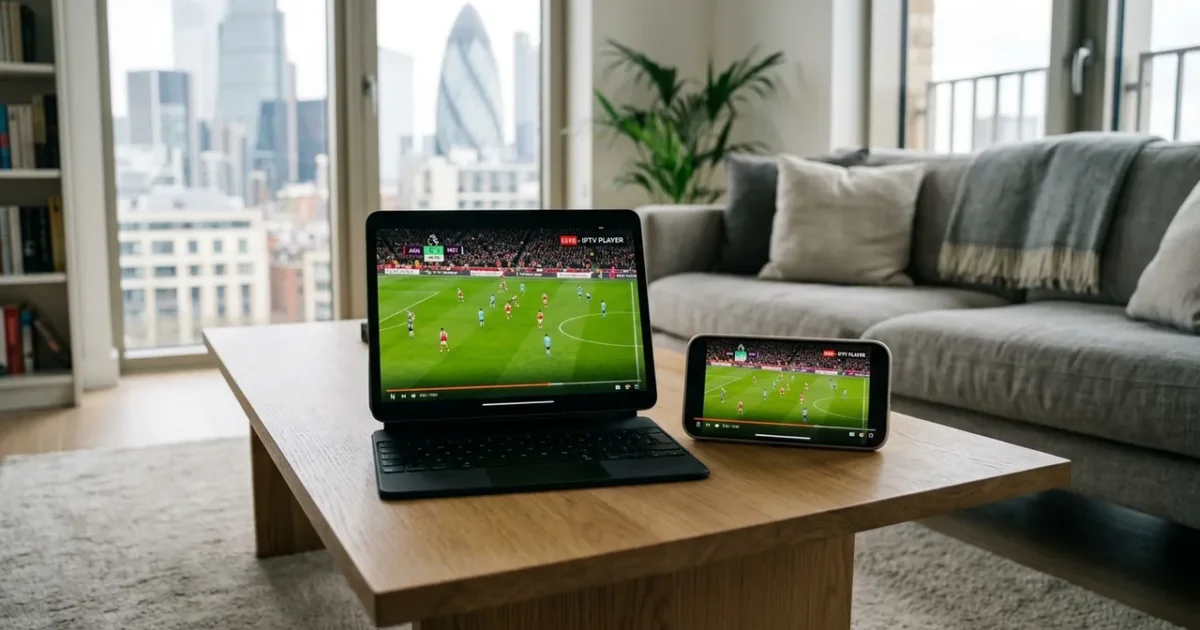
Want to watch IPTV on your iPhone & iPad in the UK? You’re in the right place. This guide covers everything you need to set up IPTV on iPhone / iPad — including the best app, step-by-step instructions, and troubleshooting tips.
With an IPTVSelect subscription, you get 10,000+ live channels (including all Sky Sports and TNT Sports), 4K streams, 50,000+ VOD titles, and a free 24-hour trial — all working seamlessly on your iPhone & iPad.
Best IPTV App for iPhone & iPad UK 2026
The best IPTV app for iPhone / iPad in 2026 is IPTV Smarters Pro. It’s available via Apple App Store and supports HD, Full HD, and 4K streams with a built-in EPG (TV guide) and VOD library.
| Detail | Info |
|---|---|
| Device | iPhone & iPad |
| Operating System | iOS / iPadOS |
| Recommended App | IPTV Smarters Pro |
| App Source | Apple App Store |
| Compatible Models | iPhone iOS 12+, iPad iPadOS 12+ |
| Setup Difficulty | Easy |
How to Set Up IPTV on iPhone & iPad UK: Step-by-Step
- Step 1: Open the App Store on your iPhone or iPad
- Step 2: Search for ‘IPTV Smarters Pro’ and download it (free)
- Step 3: Open IPTV Smarters Pro and tap ‘Add User’
- Step 4: Choose ‘Login with Xtream Codes API’
- Step 5: Enter your IPTVSelect username, password, and server URL
- Step 6: Your full channel list, EPG, and VOD library loads
- Step 7: Use AirPlay to mirror to your TV for a big-screen experience
💡 Pro Tip: IPTV Smarters Pro is free on iOS. Use AirPlay 2 to cast to any Apple TV or AirPlay-compatible TV. For 4K on iPhone, ensure you’re on a 5GHz Wi-Fi or 5G connection.
What Channels Do You Get on iPhone & iPad?
Once set up on your iPhone & iPad, IPTVSelect gives you access to:
- 10,000+ live channels — UK, sports, entertainment, news, and international
- Sky Sports 1–13 — Premier League, F1, cricket, golf, tennis (included, no add-on)
- TNT Sports 1–4 — Champions League, Europa League, UFC, boxing
- Premier League — all 380 matches including 3PM Saturday games (no blackout)
- PPV events — boxing, UFC pay-per-view included at no extra cost
- 4K/UHD streams — 200+ channels in Ultra HD
- 50,000+ VOD — movies and TV series on demand
- Catch-up TV — watch missed programmes up to 7 days later
How Much Does IPTV Cost on iPhone & iPad?
The app itself is free. You just need an IPTVSelect subscription:
| Plan | Price | Per Month |
|---|---|---|
| 1 Month | £9.99 | £9.99/mo |
| 3 Months | £24.99 | £8.33/mo |
| 6 Months | £39.99 | £6.67/mo |
| 12 Months (Best Value) | £59.99 | £5.00/mo |
Compare that to Sky TV (£50–£94/month) — IPTV on iPhone & iPad costs up to 95% less for more channels. Try free for 24 hours before committing.
What Internet Speed Do You Need for IPTV on iPhone & iPad?
- SD quality: 10 Mbps minimum
- HD / Full HD: 25 Mbps recommended
- 4K Ultra HD: 50 Mbps or faster
Most UK fibre broadband connections handle IPTV on iPhone & iPad easily. For the best 4K experience, connect via ethernet if possible. See our full internet speed guide.
Also Compatible: IPTV on Android
If you also want to watch on your Android, we have a dedicated setup guide: IPTV on Android UK — Full Setup Guide.
Frequently Asked Questions
Q: Does IPTV work on iPhone & iPad?
Yes — iPhone & iPad is fully compatible with IPTV via the IPTV Smarters Pro app. Follow the steps above to get set up in under 10 minutes.
Q: Is IPTV legal on iPhone & iPad in the UK?
Yes — IPTV technology is legal in the UK. IPTVSelect is a licensed UK IPTV provider. Read our full guide on IPTV legality.
Q: Do I need a subscription to watch IPTV on iPhone & iPad?
You need an IPTVSelect subscription (from £5/month). The app itself is free. Start with our free 24-hour trial.
Q: What is the best IPTV app for iPhone & iPad?
IPTV Smarters Pro is the best IPTV app for iPhone / iPad in 2026. It supports 4K, has an EPG TV guide, and handles large channel libraries without buffering.
Ready to Watch IPTV on Your iPhone & iPad?
Get started in minutes with a free 24-hour trial — no credit card required. You’ll have 10,000+ channels live on your iPhone & iPad within 10 minutes. Start your free trial now →
Need help? View all compatible devices at our IPTV devices guide or full installation guide.