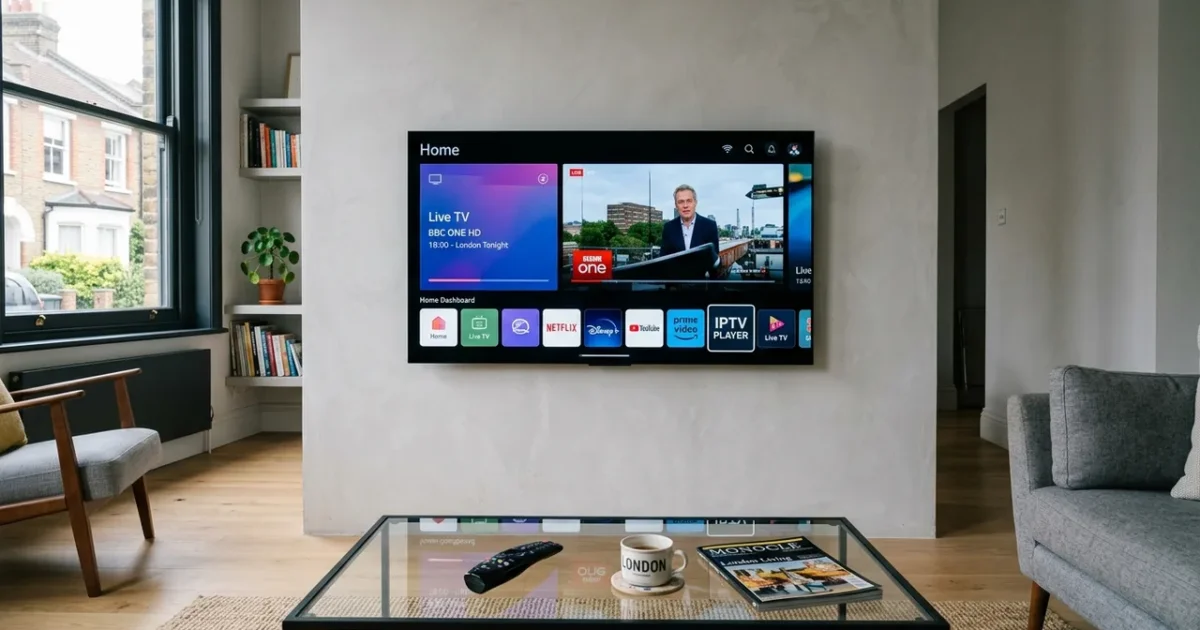
TiviMate is universally regarded as the best IPTV player available for Android-based streaming devices in 2026. Its combination of sub-second channel switching, a polished 7-day EPG with sports event markers, catch-up TV integration, and multi-playlist support has made it the default choice for serious IPTV users in the UK. If you’ve just subscribed to an IPTV service and are looking for the complete TiviMate setup guide UK for your Firestick or Android TV box, this step-by-step walkthrough covers everything — from initial installation to advanced configuration for the optimal UK viewing experience.
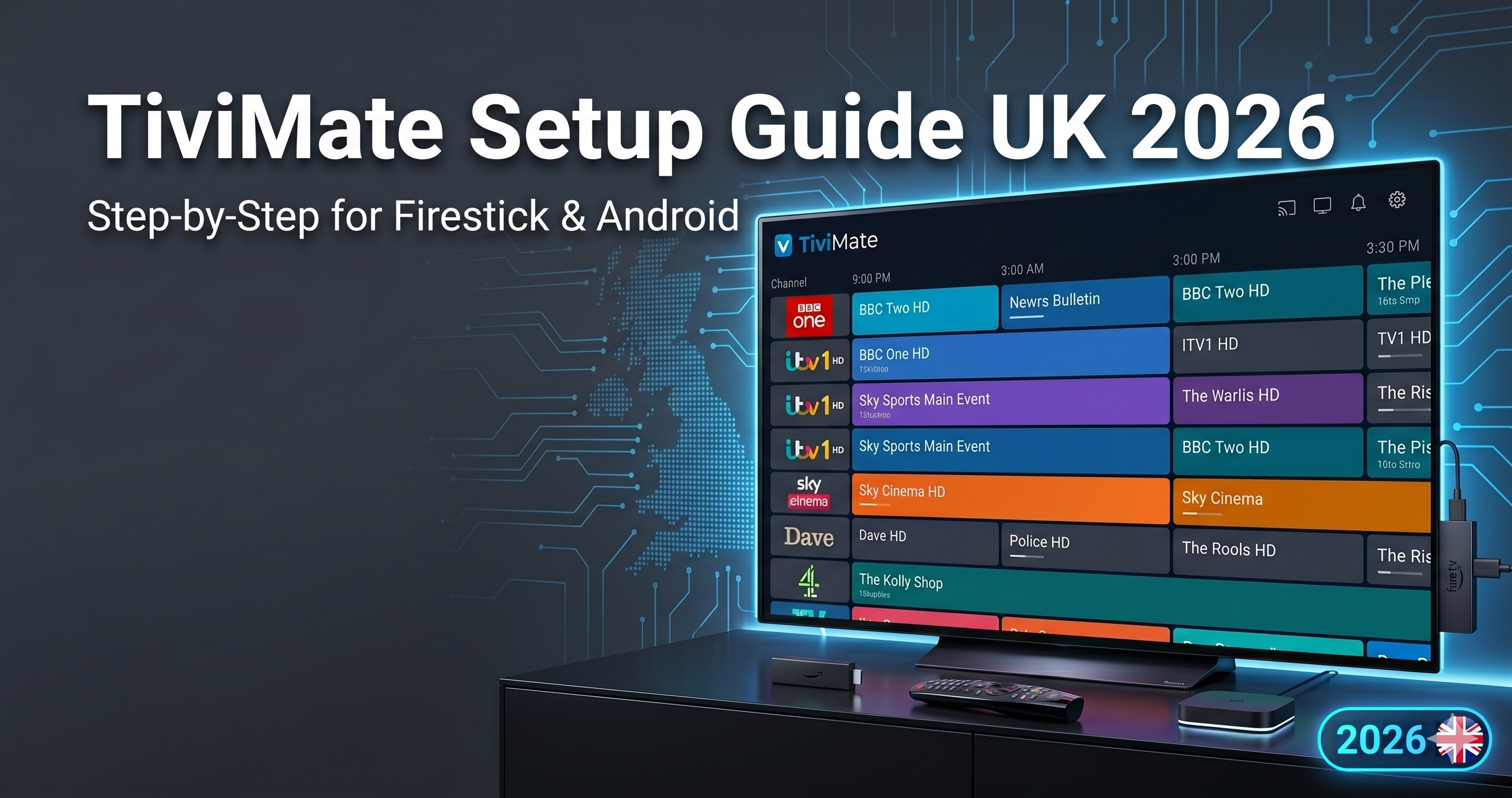
TiviMate setup guide UK is one of the most searched topics for UK IPTV viewers. this TiviMate setup guide UK guide covers installation on both the Amazon Fire TV Stick (the most common UK IPTV device) and Android TV boxes running Google’s certified Android TV OS. The process is nearly identical on both platforms, with minor differences noted where they occur.
What You Need Before Starting
- An active IPTV subscription — You need either an M3U URL or Xtream Codes credentials (server URL, username, password) from your IPTV provider. IPTVSelect delivers these via WhatsApp within minutes of subscribing.
- A Fire TV Stick 4K / 4K Max or Android TV box — TiviMate runs on all Android-based streaming devices. See our Android TV box guide if you haven’t yet chosen a device.
- An active internet connection — 15 Mbps minimum for HD IPTV; 25 Mbps for 4K. Ethernet is strongly recommended.
- A Google account — Required for Google Play Store installation on Android TV boxes. Firestick users use Amazon account instead.
Part 1: Installing TiviMate on Fire TV Stick
TiviMate is not available in Amazon’s App Store, so it must be sideloaded via the Downloader app. This is a 5-minute process that Amazon officially supports: When it comes to TiviMate setup guide UK, UK viewers have more options than ever in 2026.
- Enable Apps from Unknown Sources — On your Firestick: Settings → My Fire TV → Developer Options → Apps from Unknown Sources → On. Also enable ADB Debugging if not already enabled.
- Install Downloader — Return to the Firestick home screen, search for “Downloader” in the App Store, and install the orange Downloader app by AFTVnews. This is a legitimate Amazon-approved sideloading tool.
- Download TiviMate APK — Open Downloader, enter the URL: tivimate.com and navigate to the download section, or enter the direct APK download URL provided in TiviMate’s official documentation. The APK download takes 30–60 seconds.
- Install the APK — Downloader will prompt you to install the downloaded file. Select Install and wait for the installation to complete (approximately 30 seconds).
- Launch TiviMate — Open TiviMate from your Firestick App Library. You’ll see the welcome screen prompting you to add a playlist.
Part 2: Installing TiviMate on Android TV Box
On Google-certified Android TV devices (Nvidia Shield, Xiaomi Mi Box S, Mecool KM7 Plus), TiviMate is available directly from the Google Play Store: For anyone researching TiviMate setup guide UK, the information in this section is particularly relevant.
- Open the Google Play Store from your Android TV home screen.
- Search for “TiviMate IPTV Player”.
- Select TiviMate by Artem Lebedev and install it.
- Launch TiviMate — it opens to the playlist setup screen.
Play Store installation is significantly simpler than Firestick sideloading and is one of the primary reasons Google-certified Android TV boxes are preferred by users who want the cleanest possible setup experience. This makes TiviMate setup guide UK one of the most practical choices for UK households.
Part 3: Adding Your IPTV Playlist (Xtream Codes Method)
TiviMate supports three methods of adding your IPTV subscription. The Xtream Codes method is recommended as it’s the most reliable and gives TiviMate direct access to your provider’s channel categories, EPG data, and VOD library: Understanding TiviMate setup guide UK will help you make the best decision for your streaming needs.
- On TiviMate’s welcome screen, tap “Add Playlist”.
- Select “Xtream Codes API”.
- Enter your IPTV provider credentials:
- Server URL — e.g.
http://provider-server.com:8080 - Username — your account username
- Password — your account password
- Server URL — e.g.
- Tap “Add Playlist” to confirm. TiviMate connects to the server and begins downloading your channel list and EPG data.
- Wait 60–120 seconds for the full channel list and 7-day EPG to load. On a first load with 20,000+ channels, this may take up to 3 minutes.
Part 4: Unlock TiviMate Companion (Recommended)
The free version of TiviMate is functional but limited — it only supports one playlist and doesn’t include catch-up recording or the advanced EPG features. TiviMate Companion is a one-off purchase of approximately £4.99 on the Google Play Store (or Amazon App Store) that permanently unlocks: The popularity of TiviMate setup guide UK among UK viewers continues to grow year on year.
- Multiple playlists — Run two IPTV subscriptions side-by-side in one app
- Catch-up recording — Record any live stream to a connected USB drive
- Series-link recording — Automatically record every episode of a series as it airs
- Advanced EPG — Expanded programme details, cast information, and 8-day guide
- Video archiving — Save VOD content for offline viewing
For the one-off cost of a single cup of coffee, TiviMate Companion transforms the app into a comprehensive PVR (Personal Video Recorder) system — rivalling the functionality of Sky Q’s record capability without a subscription or hardware cost beyond the initial device. When it comes to TiviMate setup guide UK, UK viewers have more options than ever in 2026.
Part 5: Essential TiviMate Settings for UK IPTV
Set Up Favourites for UK Channels
Navigate to the channel list, highlight any channel, and press and hold the select button to open channel options. Select “Add to Favourites”. Build a Favourites list of your most-watched UK channels — BBC One HD, ITV HD, Sky Sports Main Event, Sky Sports Premier League, Sky Sports F1 — for instant access from the Favourites panel at the top of the home screen. For anyone researching TiviMate setup guide UK, the information in this section is particularly relevant.
Configure Buffer Size
Navigate to Settings → Player → Buffer Size. Set to 5000ms (5 seconds) for live channels. This pre-loads 5 seconds of stream data, smoothing out brief connection fluctuations without introducing noticeable delay on live content. For sports specifically, keep this at 5 seconds maximum — a larger buffer delays commentary relative to graphics overlays on some broadcast feeds. This makes TiviMate setup guide UK one of the most practical choices for UK households.
Enable Sports Event Markers
Navigate to Settings → EPG → Show Sports Events. When enabled, the EPG highlights upcoming sports matches across all channels in a dedicated sports overview page — filtering live football, F1, boxing, and cricket events from the full channel list. This is the fastest way to find any live sport on your IPTV subscription without browsing individual channels. Understanding TiviMate setup guide UK will help you make the best decision for your streaming needs.
Frequently Asked Questions — TiviMate Setup UK
Is TiviMate free or does it cost money?
TiviMate has a free version supporting one playlist with basic EPG. TiviMate Companion is a one-off purchase of approximately £4.99 that permanently unlocks multiple playlists, catch-up recording, series recording, and the full EPG. The Companion purchase is a one-time cost — there are no recurring subscription fees for TiviMate itself beyond your IPTV subscription. The popularity of TiviMate setup guide UK among UK viewers continues to grow year on year.
Can I use TiviMate with any IPTV provider?
Yes. TiviMate supports any IPTV subscription that provides either an M3U URL or Xtream Codes API credentials (server URL, username, password). This includes IPTVSelect and all major UK IPTV providers. The Xtream Codes method is recommended for the best EPG and VOD integration. When it comes to TiviMate setup guide UK, UK viewers have more options than ever in 2026.
Why is my TiviMate EPG not loading?
EPG loading issues are usually caused by: (1) slow server response — wait 3–5 minutes on first load for large channel lists; (2) incorrect EPG source — in Settings → Playlist → EPG Source, ensure it’s set to “From Playlist” for Xtream Codes connections; (3) EPG URL not set for M3U connections — enter the EPG URL provided by your IPTV supplier in Settings → Playlist → EPG URL. If EPG loads partially, force a manual refresh in Settings → EPG → Update Now. For anyone researching TiviMate setup guide UK, the information in this section is particularly relevant.
Related IPTV Guides
- complete Firestick IPTV setup guide
- best Android TV box for IPTV UK
- fix IPTV freezing and buffering
- best IPTV services UK 2026
TiviMate configured and ready to go? Start your free 24-hour IPTVSelect trial — Xtream Codes credentials via WhatsApp, your full channel list and 7-day EPG in TiviMate within 2 minutes. View all plans from £3/month equivalent. This makes TiviMate setup guide UK one of the most practical choices for UK households.
Everything You Need to Know About TiviMate setup guide UK
If you are looking for the best TiviMate setup guide UK experience in the UK, the key is choosing a reliable provider. Many UK viewers searching for TiviMate setup guide UK are surprised by how affordable and accessible it has become in 2026. The demand for TiviMate setup guide UK among UK households has grown significantly over the past two years.
Useful External Resources
Download TiviMate directly from the Google Play Store. For Firestick app installation guidance, see Amazon Fire TV on Wikipedia.