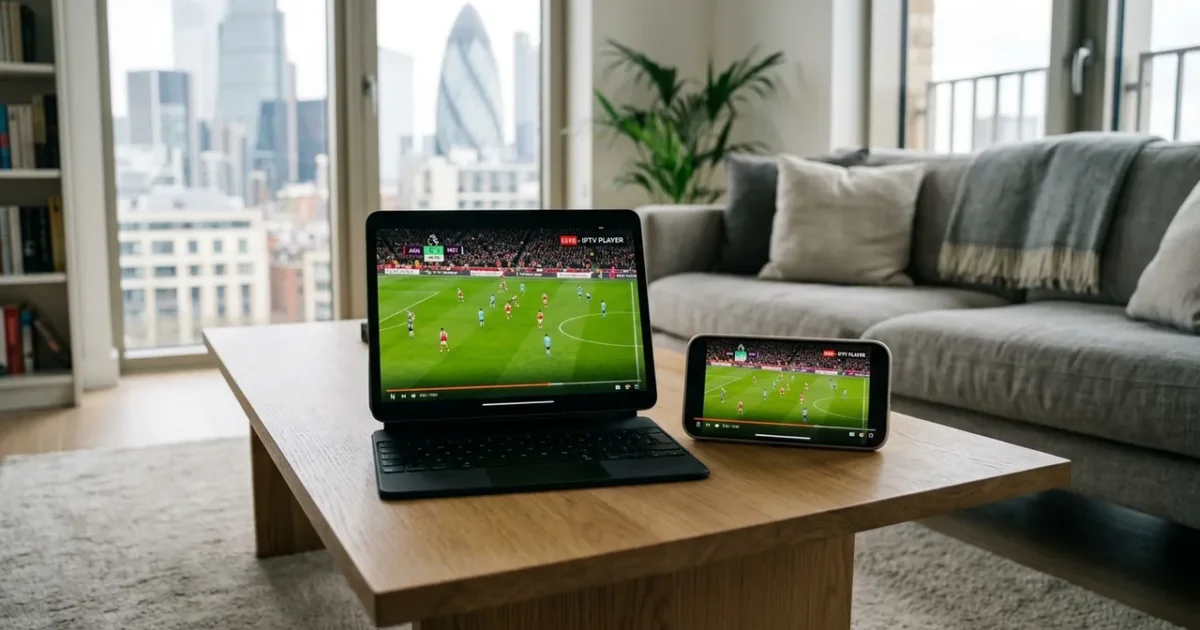
Want to watch IPTV on your Mac in the UK? You’re in the right place. This guide covers everything you need to set up IPTV on Mac (MacBook, iMac) — including the best app, step-by-step instructions, and troubleshooting tips.
With an IPTVSelect subscription, you get 10,000+ live channels (including all Sky Sports and TNT Sports), 4K streams, 50,000+ VOD titles, and a free 24-hour trial — all working seamlessly on your Mac.
Best IPTV App for Mac UK 2026
The best IPTV app for Mac (MacBook, iMac) in 2026 is IINA or Infuse. It’s available via Mac App Store / Direct download and supports HD, Full HD, and 4K streams with a built-in EPG (TV guide) and VOD library.
| Detail | Info |
|---|---|
| Device | Mac |
| Operating System | macOS |
| Recommended App | IINA or Infuse |
| App Source | Mac App Store / Direct download |
| Compatible Models | macOS Mojave 10.14+ (all Apple Silicon and Intel Macs) |
| Setup Difficulty | Easy |
How to Set Up IPTV on Mac UK: Step-by-Step
- Step 1: Download IINA from iina.io (free, open-source, macOS-native)
- Step 2: Open IINA and click File → Open URL
- Step 3: Paste your IPTVSelect M3U playlist URL and press Enter
- Step 4: Alternatively, use VLC for Mac (free from videolan.org)
- Step 5: For a TV-like experience with EPG: Install Infuse from the Mac App Store
- Step 6: Add your M3U URL as a network stream in Infuse
- Step 7: Use AirPlay to stream to Apple TV or AirPlay 2 TV
💡 Pro Tip: IINA is the best native Mac IPTV player — it’s designed specifically for macOS and supports all video formats. Use AirPlay to mirror to your TV at full 4K quality.
What Channels Do You Get on Mac?
Once set up on your Mac, IPTVSelect gives you access to:
- 10,000+ live channels — UK, sports, entertainment, news, and international
- Sky Sports 1–13 — Premier League, F1, cricket, golf, tennis (included, no add-on)
- TNT Sports 1–4 — Champions League, Europa League, UFC, boxing
- Premier League — all 380 matches including 3PM Saturday games (no blackout)
- PPV events — boxing, UFC pay-per-view included at no extra cost
- 4K/UHD streams — 200+ channels in Ultra HD
- 50,000+ VOD — movies and TV series on demand
- Catch-up TV — watch missed programmes up to 7 days later
How Much Does IPTV Cost on Mac?
The app itself is free. You just need an IPTVSelect subscription:
| Plan | Price | Per Month |
|---|---|---|
| 1 Month | £9.99 | £9.99/mo |
| 3 Months | £24.99 | £8.33/mo |
| 6 Months | £39.99 | £6.67/mo |
| 12 Months (Best Value) | £59.99 | £5.00/mo |
Compare that to Sky TV (£50–£94/month) — IPTV on Mac costs up to 95% less for more channels. Try free for 24 hours before committing.
What Internet Speed Do You Need for IPTV on Mac?
- SD quality: 10 Mbps minimum
- HD / Full HD: 25 Mbps recommended
- 4K Ultra HD: 50 Mbps or faster
Most UK fibre broadband connections handle IPTV on Mac easily. For the best 4K experience, connect via ethernet if possible. See our full internet speed guide.
Also Compatible: IPTV on iPhone
If you also want to watch on your iPhone, we have a dedicated setup guide: IPTV on iPhone UK — Full Setup Guide.
In real-world use, Mac owners report that IPTV works best when using IINA or Infuse on macOS. The macos mojave 10.14+ (all apple silicon and intel macs) handle 4K streams without issue. IINA is the best native Mac IPTV player — it’s designed specifically for macOS and supports all video formats. Use AirPlay to mirror to your TV at full 4K quality. This makes the Mac (MacBook, iMac) one of the most reliable platforms for UK IPTV in 2026 — especially for households that already have a Samsung, LG, or Sony TV and don’t want to buy extra hardware.
Frequently Asked Questions
Q: Does IPTV work on Mac?
Yes — Mac is fully compatible with IPTV via the IINA or Infuse app. Follow the steps above to get set up in under 10 minutes.
Q: Is IPTV legal on Mac in the UK?
Yes — IPTV technology is legal in the UK. IPTVSelect is a licensed UK IPTV provider. Read our full guide on IPTV legality.
Q: Do I need a subscription to watch IPTV on Mac?
You need an IPTVSelect subscription (from £5/month). The app itself is free. Start with our free 24-hour trial.
Q: What is the best IPTV app for Mac?
IINA or Infuse is the best IPTV app for Mac (MacBook, iMac) in 2026. It supports 4K, has an EPG TV guide, and handles large channel libraries without buffering.
Ready to Watch IPTV on Your Mac?
Get started in minutes with a free 24-hour trial — no credit card required. You’ll have 10,000+ channels live on your Mac within 10 minutes. Start your free trial now →
Need help? View all compatible devices at our IPTV devices guide or full installation guide.



For more information on IPTV regulations in the UK, visit Ofcom, the UK’s communications regulator. You can also check tech reviews on The Verge for the latest streaming technology comparisons.
Related Guides
- Best IPTV UK
- IPTV Subscription UK
- IPTV Firestick Setup
- Best IPTV Devices UK
- Is IPTV Legal UK
- IPTV Premier League
- IPTV vs Sky UK
- Best VPN for IPTV