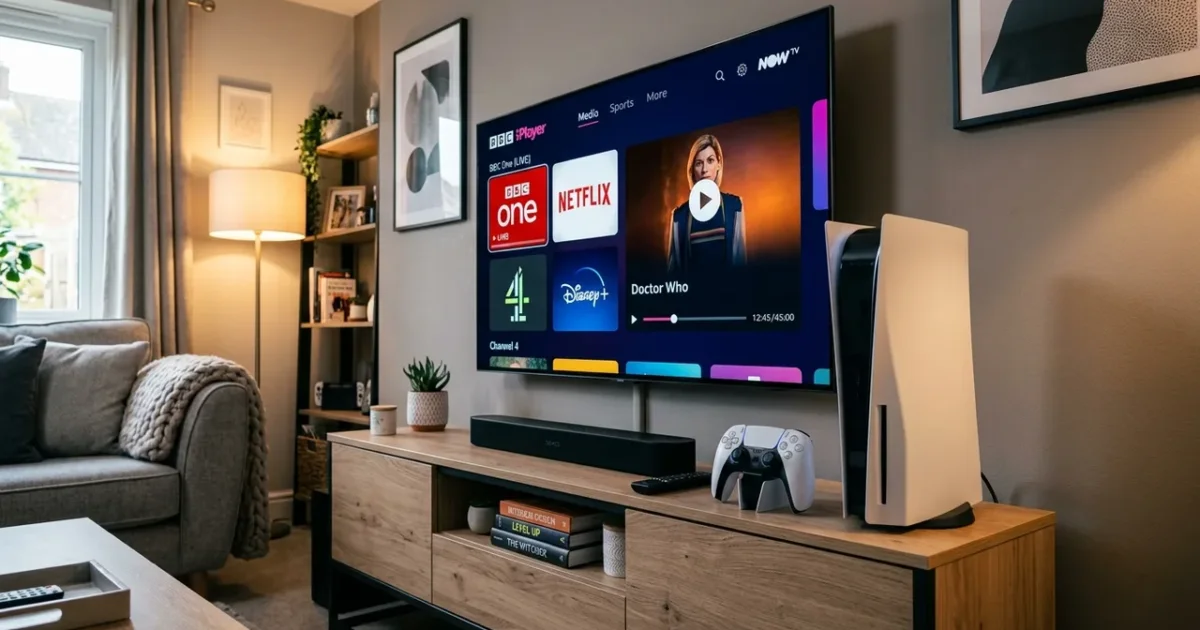
Want to watch IPTV on your Windows PC & Laptop in the UK? You’re in the right place. This guide covers everything you need to set up IPTV on Windows PC — including the best app, step-by-step instructions, and troubleshooting tips.
With an IPTVSelect subscription, you get 10,000+ live channels (including all Sky Sports and TNT Sports), 4K streams, 50,000+ VOD titles, and a free 24-hour trial — all working seamlessly on your Windows PC & Laptop.
Best IPTV App for Windows PC & Laptop UK 2026
The best IPTV app for Windows PC in 2026 is VLC Media Player or Kodi. It’s available via Direct download and supports HD, Full HD, and 4K streams with a built-in EPG (TV guide) and VOD library.
| Detail | Info |
|---|---|
| Device | Windows PC & Laptop |
| Operating System | Windows 10/11 |
| Recommended App | VLC Media Player or Kodi |
| App Source | Direct download |
| Compatible Models | Windows 7, 8, 10, 11 |
| Setup Difficulty | Easy |
How to Set Up IPTV on Windows PC & Laptop UK: Step-by-Step
- Step 1: Download VLC Media Player from videolan.org (free)
- Step 2: Open VLC and click Media → Open Network Stream
- Step 3: Paste your IPTVSelect M3U playlist URL
- Step 4: Click Play — VLC loads your channel list
- Step 5: For a better EPG and guide: Download Kodi from kodi.tv
- Step 6: In Kodi, add the PVR IPTV Simple Client add-on
- Step 7: Enter your M3U URL in the add-on settings for a full TV guide experience
💡 Pro Tip: VLC is the quickest way to test IPTV on Windows — paste your M3U URL and you’re live in 30 seconds. For a full TV guide with catch-up TV, Kodi with the PVR IPTV add-on is the best Windows IPTV experience.
What Channels Do You Get on Windows PC & Laptop?
Once set up on your Windows PC & Laptop, IPTVSelect gives you access to:
- 10,000+ live channels — UK, sports, entertainment, news, and international
- Sky Sports 1–13 — Premier League, F1, cricket, golf, tennis (included, no add-on)
- TNT Sports 1–4 — Champions League, Europa League, UFC, boxing
- Premier League — all 380 matches including 3PM Saturday games (no blackout)
- PPV events — boxing, UFC pay-per-view included at no extra cost
- 4K/UHD streams — 200+ channels in Ultra HD
- 50,000+ VOD — movies and TV series on demand
- Catch-up TV — watch missed programmes up to 7 days later
How Much Does IPTV Cost on Windows PC & Laptop?
The app itself is free. You just need an IPTVSelect subscription:
| Plan | Price | Per Month |
|---|---|---|
| 1 Month | £9.99 | £9.99/mo |
| 3 Months | £24.99 | £8.33/mo |
| 6 Months | £39.99 | £6.67/mo |
| 12 Months (Best Value) | £59.99 | £5.00/mo |
Compare that to Sky TV (£50–£94/month) — IPTV on Windows PC & Laptop costs up to 95% less for more channels. Try free for 24 hours before committing.
What Internet Speed Do You Need for IPTV on Windows PC & Laptop?
- SD quality: 10 Mbps minimum
- HD / Full HD: 25 Mbps recommended
- 4K Ultra HD: 50 Mbps or faster
Most UK fibre broadband connections handle IPTV on Windows PC & Laptop easily. For the best 4K experience, connect via ethernet if possible. See our full internet speed guide.
Also Compatible: IPTV on Mac
If you also want to watch on your Mac, we have a dedicated setup guide: IPTV on Mac UK — Full Setup Guide.
Frequently Asked Questions
Q: Does IPTV work on Windows PC & Laptop?
Yes — Windows PC & Laptop is fully compatible with IPTV via the VLC Media Player or Kodi app. Follow the steps above to get set up in under 10 minutes.
Q: Is IPTV legal on Windows PC & Laptop in the UK?
Yes — IPTV technology is legal in the UK. IPTVSelect is a licensed UK IPTV provider. Read our full guide on IPTV legality.
Q: Do I need a subscription to watch IPTV on Windows PC & Laptop?
You need an IPTVSelect subscription (from £5/month). The app itself is free. Start with our free 24-hour trial.
Q: What is the best IPTV app for Windows PC & Laptop?
VLC Media Player or Kodi is the best IPTV app for Windows PC in 2026. It supports 4K, has an EPG TV guide, and handles large channel libraries without buffering.
Ready to Watch IPTV on Your Windows PC & Laptop?
Get started in minutes with a free 24-hour trial — no credit card required. You’ll have 10,000+ channels live on your Windows PC & Laptop within 10 minutes. Start your free trial now →
Need help? View all compatible devices at our IPTV devices guide or full installation guide.