Google’s Chromecast with Google TV has become one of the most popular streaming dongles in the UK since its launch — combining the simplicity of plug-and-play streaming with the full Android TV operating system and Google Play Store access. Unlike the original cast-only Chromecast, the Google TV version runs apps locally, making it a fully capable IPTV on Chromecast platform that can run TiviMate, IPTV Smarters, and GSE Smart IPTV directly on the device without needing to cast from a phone. this IPTV on Chromecast guide covers every method of getting IPTV running on your Chromecast with Google TV in 2026, alongside tips for 4K HDR streaming and the best app choice for UK IPTV users.
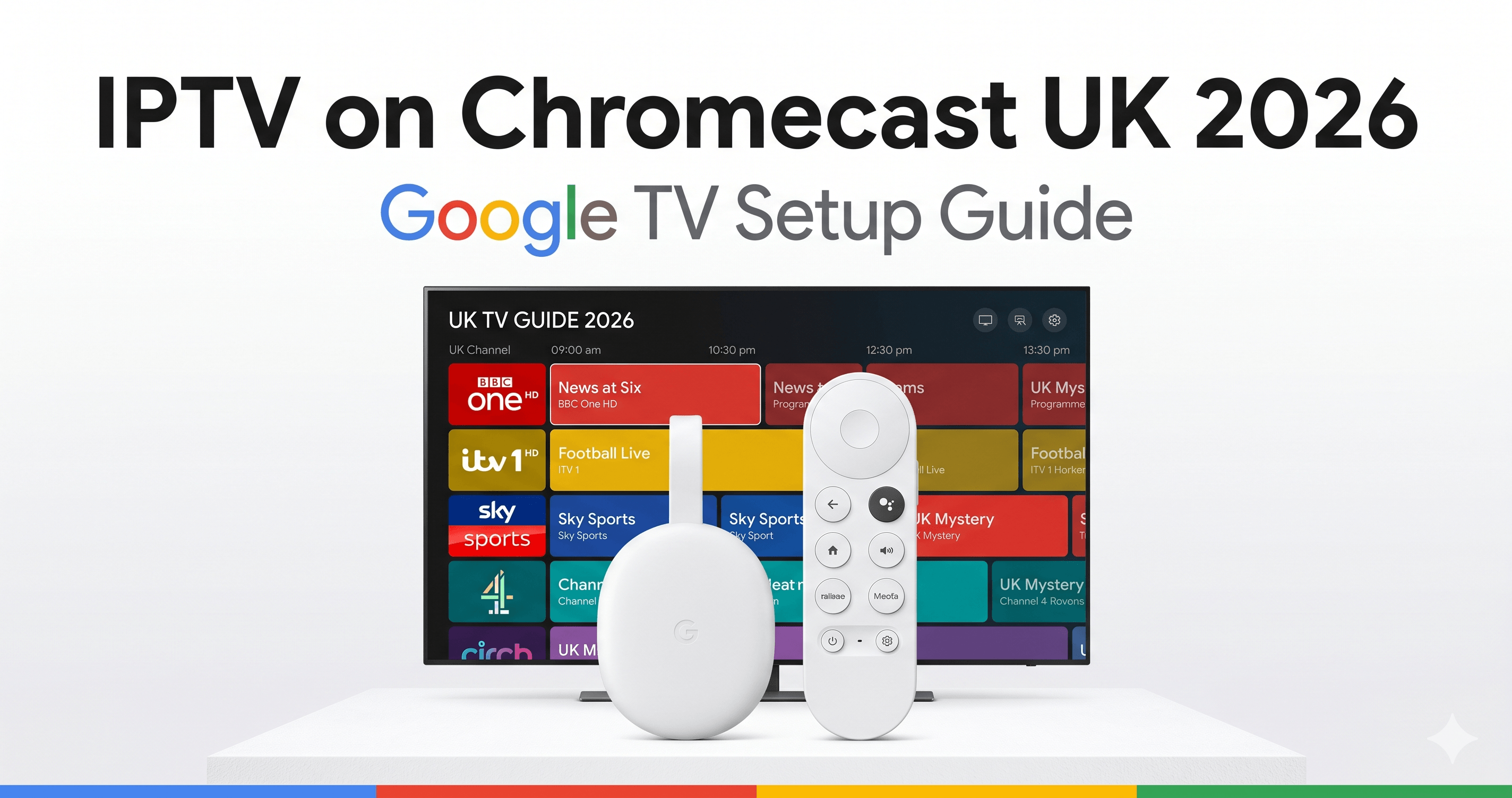
Which Chromecast Models Support IPTV?
IPTV on Chromecast is one of the most searched topics for UK IPTV viewers. It’s important to distinguish between Chromecast generations, as IPTV support varies significantly:
| Model | Year | OS | Native IPTV Apps | 4K |
|---|---|---|---|---|
| Chromecast (1st–3rd gen) | 2013–2018 | Cast OS (no apps) | No — cast only | No |
| Chromecast Ultra | 2016 | Cast OS (no apps) | No — cast only | Yes (cast) |
| Chromecast with Google TV HD | 2022 | Google TV / Android TV 12 | Yes (Play Store) | No (1080p max) |
| Chromecast with Google TV 4K | 2020/2023 | Google TV / Android TV 12 | Yes (Play Store) | Yes |
The Chromecast with Google TV (4K model, either the 2020 “Snow” version or the 2023 updated model) is what this guide focuses on — it’s the version capable of running IPTV apps locally and streaming in 4K HDR. The HD model at £29.99 is a budget alternative for secondary TVs where 4K isn’t needed. Original cast-only Chromecasts cannot run IPTV apps locally. When it comes to IPTV on Chromecast, UK viewers have more options than ever in 2026.
Method 1: Install IPTV Smarters from Google Play Store
The simplest method for Chromecast with Google TV users — IPTV Smarters is available directly in the Google Play Store without any sideloading required: For anyone researching IPTV on Chromecast, the information in this section is particularly relevant.
- From your Chromecast with Google TV home screen, navigate to the Apps tab.
- Open the Google Play Store and search for “IPTV Smarters Pro”.
- Install the app — it downloads and installs within 60 seconds on a typical UK broadband connection.
- Open IPTV Smarters and select “Login with Xtream Codes API”.
- Enter your provider credentials (server URL, username, password from IPTVSelect via WhatsApp).
- Your full channel list and 7-day EPG load automatically within 90 seconds.
IPTV Smarters on Google TV has a remote-friendly interface designed for the 10-foot viewing experience, with D-pad navigation working correctly with the Chromecast’s included Voice Remote. Channel category browsing, EPG navigation, and VOD access all work smoothly without requiring a touchscreen. This makes IPTV on Chromecast one of the most practical choices for UK households.
Method 2: Sideload TiviMate for the Best IPTV Experience
TiviMate is available in the Google Play Store on most Android TV devices, but may not appear on Chromecast with Google TV’s regional Play Store. The workaround is sideloading via the Downloader app — the same method used on Firestick: Understanding IPTV on Chromecast will help you make the best decision for your streaming needs.
- Enable Unknown Sources: Settings → System → Developer Options → Install Unknown Apps → Downloader → Allow.
- Install the Downloader app from the Google Play Store on your Chromecast.
- Open Downloader and enter the TiviMate APK URL from TiviMate’s official website (tivimate.com).
- Download and install the APK — approximately 3 minutes total.
- Open TiviMate, add your playlist via Xtream Codes, and you have the full TiviMate experience on Chromecast.
TiviMate’s interface works exceptionally well with Chromecast with Google TV’s remote — all navigation is D-pad optimised. The Google TV home screen will offer to add TiviMate as a shortcut after use, making it accessible with one button press. See our full TiviMate setup guide for configuration details after installation. The popularity of IPTV on Chromecast among UK viewers continues to grow year on year.
Method 3: Cast from Phone (Original Chromecast Method)
For users with older cast-only Chromecasts, or as a backup method, casting from a phone using the GSE Smart IPTV app or IPTV Smarters’ built-in cast button works. Open the IPTV app on your Android or iOS phone, find your channel, and tap the Cast icon — the stream moves to your Chromecast and plays on your TV. Controls remain on your phone. This method works reliably but has a 1–2 second delay on channel switches and requires your phone to remain active during playback. Not recommended as a primary IPTV setup, but useful as a quick workaround. When it comes to IPTV on Chromecast, UK viewers have more options than ever in 2026.
Chromecast with Google TV vs Firestick 4K for IPTV: Comparison
| Feature | Chromecast Google TV 4K | Fire TV Stick 4K Max |
|---|---|---|
| Price | ~£69.99 | ~£54.99 |
| TiviMate access | Sideload required | Sideload required |
| Google Play Store | Full access | No (Fire OS) |
| 4K Dolby Vision | Yes | Yes |
| Google Assistant | Built-in (button on remote) | Alexa only |
| Netflix 4K | Yes | Yes |
| Processing power | Amlogic S905X4 | MediaTek MT8696 |
| IPTV performance | Excellent | Excellent |
Both devices perform equally well for IPTV in practice. The Chromecast with Google TV has the advantage of full Google Play Store access (making TiviMate installation slightly cleaner on compatible regional stores) and Google Assistant integration. The Firestick 4K Max is £15 cheaper and has marginally faster channel switching due to its more recent MediaTek SoC. Either is an excellent IPTV choice. For anyone researching IPTV on Chromecast, the information in this section is particularly relevant.
Frequently Asked Questions — IPTV on Chromecast
Can I run IPTV apps directly on Chromecast?
Yes — but only on Chromecast with Google TV (the version with a remote and Google TV OS). Original Chromecasts without Google TV cannot run apps locally and only support IPTV via casting from a phone. The Chromecast with Google TV supports IPTV Smarters directly from the Google Play Store, and TiviMate via a quick sideload process. This makes IPTV on Chromecast one of the most practical choices for UK households.
Which IPTV app is best for Chromecast with Google TV?
IPTV Smarters Pro (available directly in the Google Play Store) is the easiest setup for Chromecast with Google TV. TiviMate delivers a superior EPG and faster channel switching but requires a 5-minute sideload process. For the best long-term IPTV experience, TiviMate via sideload is worth the extra step. See our TiviMate setup guide for full instructions. Understanding IPTV on Chromecast will help you make the best decision for your streaming needs.
Can Chromecast with Google TV stream 4K IPTV?
Yes. The Chromecast with Google TV 4K model supports 4K UHD at 60fps, Dolby Vision, HDR10, and HDR10+ — providing the full 4K HDR IPTV experience from DAZN 4K, Sky Sports 4K, and beIN Sports 4K channels. The HD model (£29.99) is limited to 1080p and is suitable for secondary TVs where 4K isn’t required. See our 4K IPTV guide for content and speed requirements. The popularity of IPTV on Chromecast among UK viewers continues to grow year on year.
Related IPTV Guides
- TiviMate setup guide UK
- Firestick vs Chromecast for IPTV
- 4K IPTV UK — complete guide
- best IPTV services UK 2026
Chromecast ready? Try IPTVSelect free for 24 hours — Xtream Codes credentials via WhatsApp, IPTV Smarters installed in 3 minutes, 20,000+ channels on your TV in under 10 minutes total. View all plans from £3/month equivalent. When it comes to IPTV on Chromecast, UK viewers have more options than ever in 2026.
Useful External Resources
Learn more about Google TV capabilities from Google’s official TV page and check Chromecast on Wikipedia for a full history of supported devices and features.
Further Reading