As the pioneer that introduced millions of households to internet television streaming, Smart IPTV (commonly known as SIPTV) remains one of the most recognizable and widely searched IPTV applications in the United Kingdom in 2026. Known for its iconic red, green, yellow, and blue colour-coded remote shortcuts and straightforward M3U playlist management, Smart IPTV allows viewers to stream thousands of live channels directly on Samsung Smart TVs, LG TVs, and Amazon Firesticks.
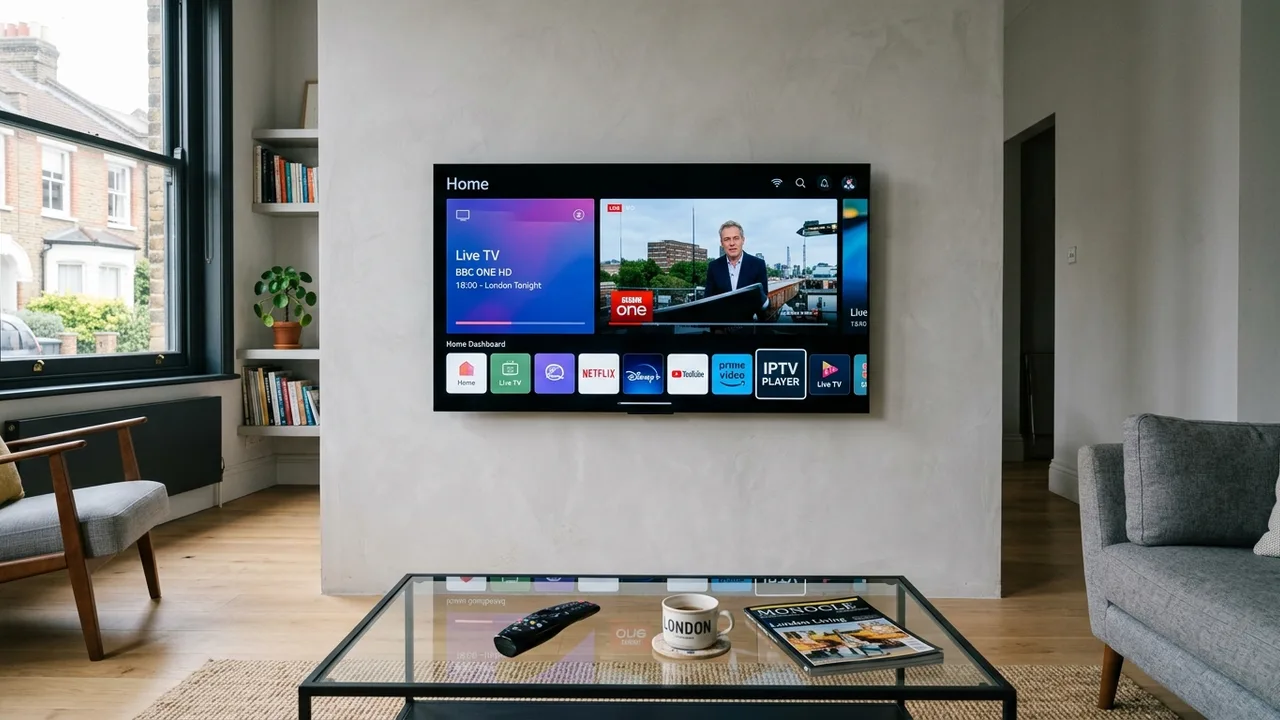
Because Smart IPTV has experienced periodic removals and restorations on official smart TV app stores due to evolving manufacturer policies, many UK users struggle to find the working installation method. In this authoritative 2026 UK tutorial, we show you exactly how to install Smart IPTV on your device, upload your UK IPTV playlist via the official siptv.app website, activate your lifetime license, and resolve common playback errors.
What is Smart IPTV (SIPTV) and How Does It Work?
Smart IPTV is a pure media player application developed by Infomir. Unlike subscription services, the SIPTV application does not host, sell, or contain any channels, video streams, or media files. Instead, it provides a sleek, hardware-accelerated user interface capable of loading external M3U playlist files and XMLTV electronic programme guides provided by your chosen UK IPTV provider.
- Cloud-Based Playlist Management: Rather than typing complicated 80-character URLs with your television remote, you enter your TV MAC address on the official website (
siptv.app/mylist/) and link your playlist instantly from your computer or phone. - 7-Day Free Trial: Smart IPTV gives every new television device a full 7-day free trial upon initial installation.
- One-Time Lifetime Fee: After the trial period, lifetime activation costs a flat one-off payment of €5.49 (~£4.70), with zero recurring software fees.
Step 1: Installing Smart IPTV in the UK (By Device)
For LG Smart TVs (webOS):
- Turn on your LG Smart TV and press the Home button on your remote.
- Navigate to the LG Content Store (or Apps).
- Search for Smart IPTV. If visible, click Install.
- Note: If Smart IPTV does not appear in your LG Content Store, navigate to TV Settings > General > Location > LG Services Country and change your region temporarily to Ireland or another European country, install the app, and switch your region back to the UK.
For Samsung Smart TVs (Tizen OS):
- Open the Samsung Smart Hub and search for Smart IPTV in the Apps store.
- If the app is unavailable due to Samsung UK store regional restrictions, you can install it via USB drive:
- Download the official Samsung Tizen widget package from
siptv.app/howto/sammy/. - Extract the contents to the root directory of a FAT32-formatted USB flash drive.
- Insert the USB drive into your Samsung TV. The TV will automatically detect the widget and install Smart IPTV onto your apps bar.
- Download the official Samsung Tizen widget package from
For Amazon Fire TV Stick / Android TV:
- Open the Downloader app on your Firestick (ensure Developer Options has granted permission).
- Enter the official direct download URL:
apk.siptv.app(or Downloader code755914). - Click Go, wait for the APK to download, and click Install.
Step 2: Find Your TV MAC Address
Launch the Smart IPTV app on your television. The main loading screen will display your TV MAC address (e.g., 00:1a:79:xx:xx:xx or 74:9e:af:xx:xx:xx). Take note of this 12-digit code.
Step 3: Uploading Your Playlist to siptv.app
Follow these steps to connect your UK television channels to the application:
- On your computer, tablet, or phone, navigate to:
https://siptv.app/mylist/ - Scroll down to the section titled “Upload playlist to Smart IPTV”.
- In the MAC: field, enter your television’s exact MAC address without spaces.
- In the URL: field, paste your M3U playlist link provided by your IPTV provider.
- Select your country as United Kingdom from the EPG dropdown to ensure correct time synchronization for BBC, ITV, Sky Sports, and TNT Sports.
- Check the box for “Save online” and check “reCAPTCHA”.
- Click the blue “Send” button. The website will display a green banner stating: “1 URL added! Restart the App.”
- Return to your TV and press the Restart (0) button or relaunch the app. Your full channel lineup will load immediately!
Step 4: Activating Your Lifetime License (€5.49)
Your 7-day trial begins the moment you first launch the app. To activate permanently:
- Visit
https://siptv.app/activation/ - Enter your television MAC address and your personal email address.
- Select your payment method (Credit/Debit Card, PayPal, or Crypto).
- Pay the one-time fee of €5.49. Activation is applied instantaneously to your hardware MAC address without needing to enter a license key on the television.
Troubleshooting Common Smart IPTV Errors
“Check playlist URL” Error:
This error appears when the app cannot reach your stream server. It typically indicates either a typo in your M3U URL, an expired subscription, or active ISP filtering by UK broadband providers (BT, Virgin Media, Sky). Using a router-level VPN or requesting an updated M3U link from your provider will resolve the issue.
Channels Freezing or Stuttering:
Smart IPTV uses your TV’s onboard media decoder. If streams stutter, press the Red button on your remote to open settings, navigate to Stream Type, and switch between Default and NCore player modes.
EPG Program Guide Missing:
Go back to siptv.app/mylist/, enter your MAC address, clear the previous playlist, and re-upload with the EPG Country set specifically to United Kingdom.
Smart IPTV (SIPTV) vs Modern Alternatives
| Feature | Smart IPTV (SIPTV) | SmartOne IPTV | TiviMate |
|---|---|---|---|
| Platform Support | Samsung, LG, Firestick | Samsung, LG | Firestick, Android TV |
| License Fee | €5.49 One-Off | €12.99 Lifetime | £29 Lifetime |
| Interface Style | Classic OSD List | Modern Tiles & Grid | Full Satellite EPG Guide |
| VOD Support | Basic | Full Posters & Info | Full Posters & Info |
| Recording (PVR) | No | No | Yes (Local & USB) |
Frequently Asked Questions About Smart IPTV UK
Does activating Smart IPTV include TV channels?
No. Smart IPTV is strictly a player application. You must purchase a stream package separately from an independent provider. Compare the best options in our best IPTV UK guide.
Can I transfer my SIPTV license if I buy a new television?
No. The license is tied permanently to the physical hardware MAC address of the television chip.
How can I test my TV with Smart IPTV right now?
You can load a test stream within minutes by requesting our instant 24-hour IPTV free trial.