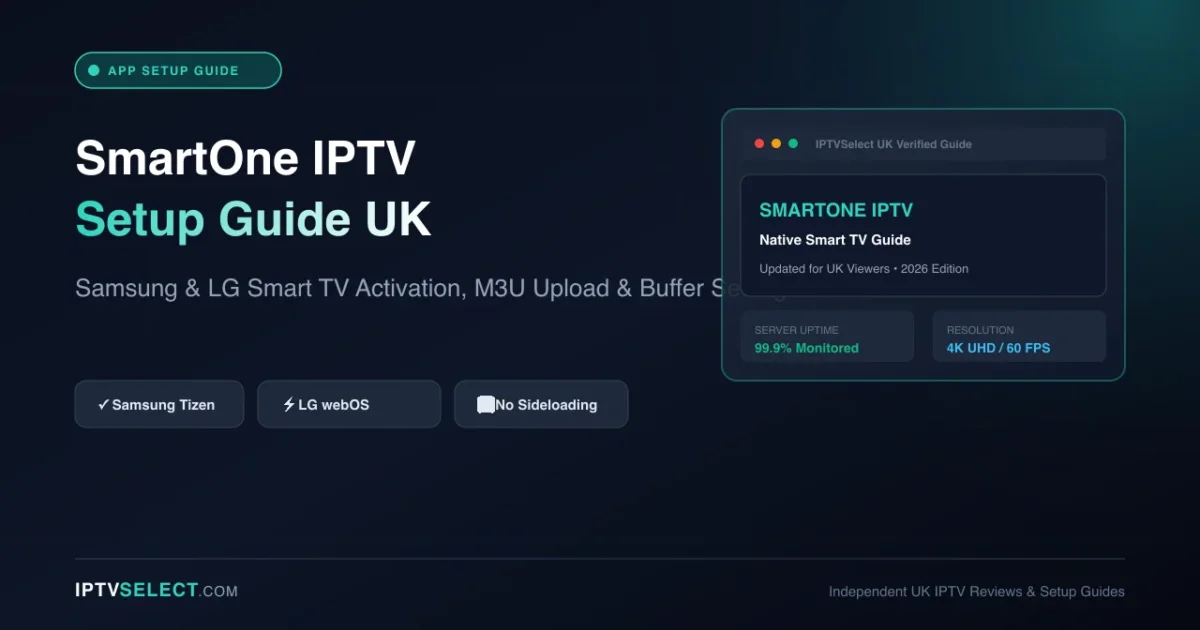
If you own a Samsung or LG Smart TV and want to watch IPTV without purchasing an external streaming stick, SmartOne IPTV has emerged as one of the most reliable and user-friendly native applications in 2026. Available directly from the official Samsung Smart Hub and LG Content Store, SmartOne eliminates the need for complex sideloading, developer mode hacks, or external USB dongles.
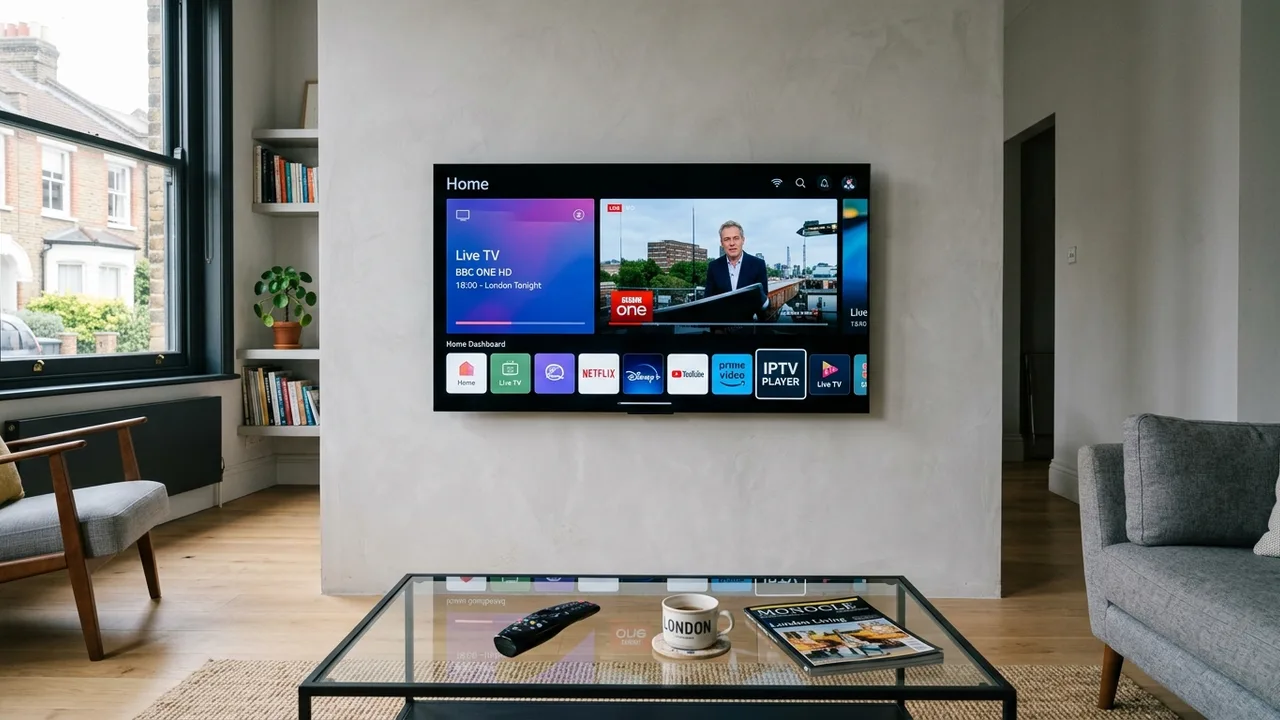
In this complete 2026 UK setup guide, we guide you through installing SmartOne IPTV directly from your TV’s app store, locating your device MAC address and key, uploading your UK IPTV subscription via the web portal, and activating your license for seamless buffer-free streaming.
Why SmartOne IPTV is Ideal for Samsung & LG TV Owners
Samsung televisions run Tizen OS while LG televisions run webOS. Neither operating system supports standard Android APK files or the Downloader app. For viewers who want an all-in-one setup controlled by their TV’s single Magic Remote or Smart Remote, SmartOne IPTV offers key advantages:
- Direct App Store Availability: No APK sideloading required. Search for “SmartOne IPTV” directly in the official store on your television and install it with one click.
- Dual Connection Support: Upload your playlist using either standard M3U links or modern Xtream Codes API credentials (Server URL, username, and password).
- Fast Channel Zapping: Specifically optimized for television processors, ensuring quick channel switching without freezing or memory leaks.
- Full EPG and Multi-Audio Support: Supports XMLTV programme guides and allows switching between stadium audio, foreign language tracks, and commentary.
- 14-Day Free Trial: Test the application completely free for 14 days before committing to an activation license.
Step 1: Install SmartOne IPTV on Your Smart TV
Installation takes less than two minutes directly from your TV’s interface:
For Samsung Smart TVs (Tizen OS 2017–2026):
- Press the Home button on your Samsung remote to open the Smart Hub menu.
- Navigate to the Apps icon.
- Select the magnifying glass search icon in the upper-right corner and type SmartOne IPTV.
- Click on the SmartOne app tile and select Install. Once downloaded, choose Add to Home for quick access.
For LG Smart TVs (webOS 3.0–24):
- Press the Home button on your LG Magic Remote and select the LG Content Store (or Apps).
- Click the search icon and type SmartOne IPTV.
- Click Install. Once completed, launch the application.
Step 2: Note Your TV MAC Address & Device Key
When you launch SmartOne IPTV for the first time, the welcome screen will display two critical pieces of information:
- TV MAC Address: A 12-character alphanumeric code in the format
aa:bb:cc:dd:ee:ff. - Device Key: A 6-character security key generated specifically for your television.
Take a clear photo of your TV screen or write down these details. You will need them to link your IPTV playlist via your computer, tablet, or smartphone.
Step 3: Upload Your UK IPTV Playlist to SmartOne Portal
Because typing long URLs with a TV remote is tedious, SmartOne handles playlist management through their web portal:
- Open a web browser on your phone, tablet, or laptop and visit the official portal:
smartone-iptv.com/plugin/smart_one/ - In the TV MAC Address field, enter your television’s MAC address. In the Device Key field, enter your 6-digit key. Click Generate Smart Key.
- Select your preferred playlist upload format:
- Option A (Xtream Codes API – Recommended): Click Xtream Codes. Enter a Playlist Name (e.g., IPTVSelect UK), the Server URL, your Username, and your Password provided with your best IPTV subscription.
- Option B (M3U Link): Select M3U Playlist. Enter your playlist name and paste your full M3U URL provided by your service.
- Click Generate Playlist (or Save). The portal will confirm that your playlist has been successfully uploaded to your TV.
- Return to your TV, press the Reload (0) button or restart the SmartOne app. Your live UK channels, sports categories, and EPG will load immediately!
Step 4: SmartOne IPTV Activation & Pricing
SmartOne IPTV offers a generous 14-day free trial upon first installation. Once the trial expires, you must activate the app through their website to continue using it. SmartOne pricing is extremely reasonable:
| Plan | Cost (EUR / GBP approx.) | Validity |
|---|---|---|
| Annual License | €2.50 / ~£2.15 | 1 Year Access |
| Lifetime License (Recommended) | €12.99 / ~£11.00 | Lifetime (Linked to TV MAC) |
Important Note: Activating SmartOne IPTV only pays for the player application software. It does NOT include television channels. You must maintain an active UK IPTV subscription from an independent provider.
Optimal SmartOne Settings for UK Sports & Buffer Prevention
To ensure flawless streaming during live Premier League, Champions League, and F1 events:
- Select Media Player Engine: In SmartOne settings, navigate to Player Options. Choose Tizen Player on Samsung or webOS Native Player on LG. These engines harness your TV’s onboard hardware decoding.
- Set Buffer Size to High: If your Wi-Fi experiences occasional drops, set the playback buffer to Large (4s-6s) to cushion against packet loss.
- Connect via Ethernet Cable: Smart TVs often feature weak internal Wi-Fi antennas. Connecting your Samsung or LG TV directly to your home router with a Cat6 Ethernet cable eliminates 95% of buffering issues.
Frequently Asked Questions About SmartOne IPTV
Can I use SmartOne IPTV on multiple TVs with one license?
No. SmartOne IPTV licenses are tied to the specific hardware MAC address of the television. If you have two TVs, each requires its own activation license.
What should I do if channels are not loading after upload?
Ensure your TV and mobile device are not on different networks during initial sync. Restart your TV by unplugging it from the wall for 30 seconds to clear the television’s application cache.
Can I set up a VPN on Samsung or LG Smart TVs for SmartOne?
Neither Samsung Tizen nor LG webOS supports native VPN apps. To protect your SmartOne streams from UK ISP throttling, set up a VPN directly on your home router or use a smart DNS configuration. Read our best VPN for IPTV guide for easy router walkthroughs.
Where can I test SmartOne IPTV with a working UK playlist?
Experience all UK sports, movies, and entertainment channels by requesting an instant 24-hour IPTV free trial today.