If you own a Samsung Smart TV, LG webOS television, Apple TV, or Amazon Firestick, you have almost certainly encountered IBO Player. Alongside its premium iteration, IBO Player Pro, this application has become one of the most widely used IPTV players across the United Kingdom. With native availability on official TV app stores and a fast, streamlined web portal for remote playlist management, IBO Player eliminates the headaches of typing long URLs on your television remote. If you are looking for the official ibo player downloader code or need help activating your device, this guide provides everything you need for a seamless 2026 setup.
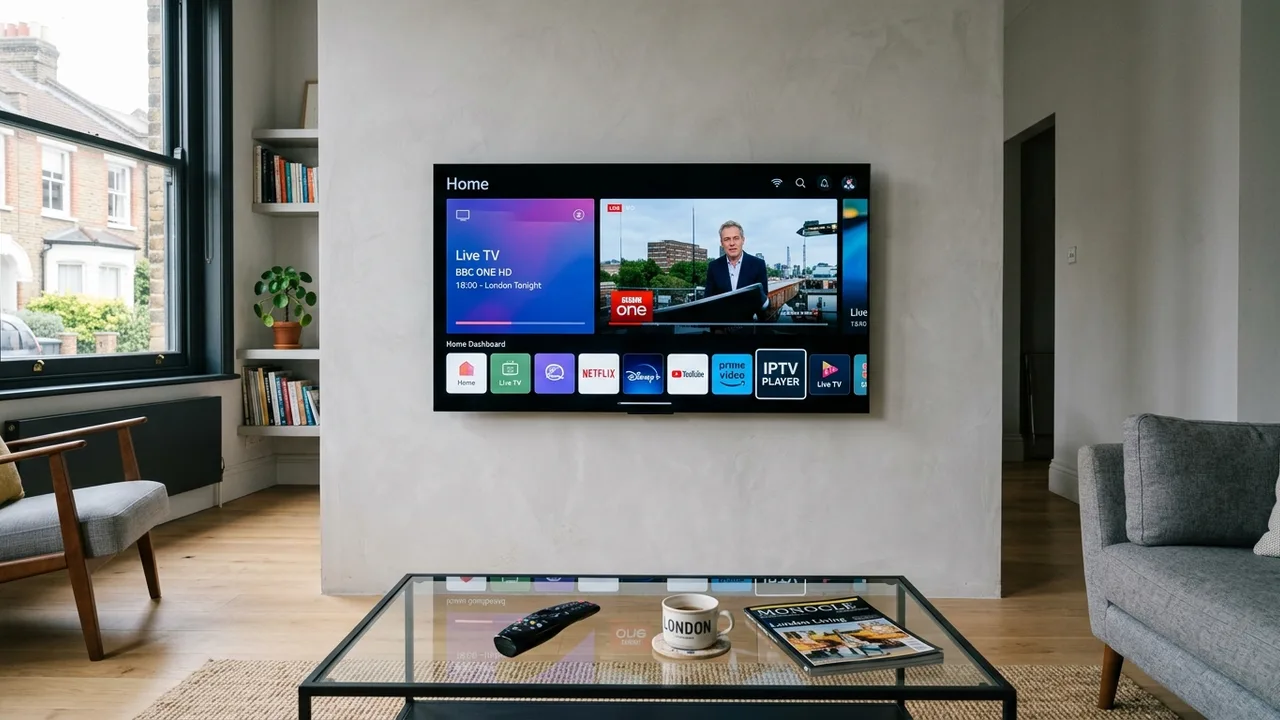
In this walkthrough, we provide verified Downloader codes for Firestick users, explain how device activation works, show you how to upload your playlist via the web portal, and compare IBO Player against rivals like SmartOne IPTV and Smart IPTV (SIPTV). To pair your new player with premium UK channels, check out our IPTV Subscription UK Plans or test our service with an IPTV Free Trial.
What is IBO Player?
IBO Player is a dedicated media playback app designed specifically for Smart TVs and streaming media devices. Like other leading players, IBO Player does not host or distribute any television content; it provides a polished, hardware-accelerated interface that connects to your provider’s M3U playlist or Xtream Codes API credentials.
Its standout feature is its cloud-based web management portal. Instead of typing complex usernames and passwords directly into your TV screen using an on-screen keyboard, you can upload your playlist from your computer, smartphone, or tablet simply by entering your TV’s virtual MAC address and Device Key on the IBO Player website.
Official IBO Player Downloader Codes for Firestick UK (2026)
While IBO Player is available directly on the Samsung Smart Hub and LG Content Store, Amazon Fire TV users must sideload the APK using the Downloader application. Use the following verified numeric codes:
| Application | Downloader Code | Direct URL | Recommended For |
|---|---|---|---|
| IBO Player (Standard) | 734185 / 84261 | iboplayer.com/apk | Firestick Lite & standard Fire TV |
| IBO Player Pro (Newest) | 834339 | iboiptv.com/pro.apk | Firestick 4K & Fire TV 4K Max |
How to Install IBO Player on Amazon Firestick
- Install Downloader: Search for “Downloader” on your Firestick and install the official orange app.
- Enable Developer Options: Go to Settings > My Fire TV > Developer Options > Install Unknown Apps, and set Downloader to ON (if Developer Options is hidden, click About > Your Firestick Name 7 times).
- Enter Downloader Code: Open Downloader, enter
734185in the URL box, and click Go. - Install APK: Wait for the file to download, click Install, and then click Done. Delete the installation file to keep your storage clear.
How to Activate IBO Player and Upload Your Playlist
Once installed on your Samsung TV, LG TV, or Firestick, activating your playlist is simple:
Step 1: Note Your MAC Address and Device Key
Launch IBO Player on your television. On the home screen or under the Settings / Account tab, you will see two unique identifiers:
• Device MAC: (e.g., 00:1a:79:4b:2c:11)
• Device Key: (A 6-digit numeric security code, e.g., 894123)
Step 2: Visit the IBO Web Portal
On your mobile phone, laptop, or desktop computer, open your web browser and go to the official portal at https://iboplayer.com/device/login.
Step 3: Log In with Your Device Details
Enter your Device MAC and Device Key in the login boxes and click Login.
Step 4: Add Your Playlist or Xtream Codes
Click the Add Playlist or Add XC Playlist button:
• If using Xtream Codes: Enter your Server URL, Username, and Password.
• If using M3U: Enter a Playlist Name and paste your complete M3U link.
Step 5: Reload Your TV Screen
Return to your television screen and press the reload/refresh button on your remote. IBO Player will instantly sync your live channels, EPG schedule, and on-demand movies.
IBO Player Pricing and Activation Cost in the UK
IBO Player provides a 7-day free trial upon first installation on any new device. After the 7-day trial concludes, a one-off device activation fee is required to continue using the software:
- 7-Day Free Trial: Full access to all features on day one.
- Lifetime Activation: Approximately €8.00 / £6.99 (one-time payment) per device.
Note: This fee pays solely for the IBO Player software application itself; it does not include television channels. To access live sports and UK channels, you will need an active IPTV subscription.
IBO Player vs SmartOne vs TiviMate Comparison
| Feature | IBO Player Pro | SmartOne IPTV | TiviMate |
|---|---|---|---|
| Samsung / LG Native App | Yes | Yes | No (Android Only) |
| Firestick Compatibility | Yes (Sideload) | Yes (Sideload) | Yes (Sideload) |
| Web Portal Upload | Yes | Yes | No (Direct on-device) |
| UK Lifetime Price | ~£6.99 | ~£11.00 | ~£32.00 |
| 4K 60fps Performance | Excellent | Good | Industry-Best |
Frequently Asked Questions
Q: Does IBO Player work on Apple TV?
Yes, IBO Player has an official application available in the Apple TV App Store under “IBO Player”.
Q: Why does my IBO Player say “Device Expired”?
Your 7-day initial trial has concluded. Visit the official IBO website, enter your MAC address, and complete the one-time £6.99 lifetime licence fee.
Final Verdict
IBO Player is one of the easiest, most reliable IPTV applications for UK households that want smooth streaming on Samsung and LG Smart TVs without purchasing separate streaming hardware. Connect your IBO Player to a verified, high-speed UK stream by claiming your IPTV Free Trial UK or review our Best IPTV Player UK Comparison for additional player options.