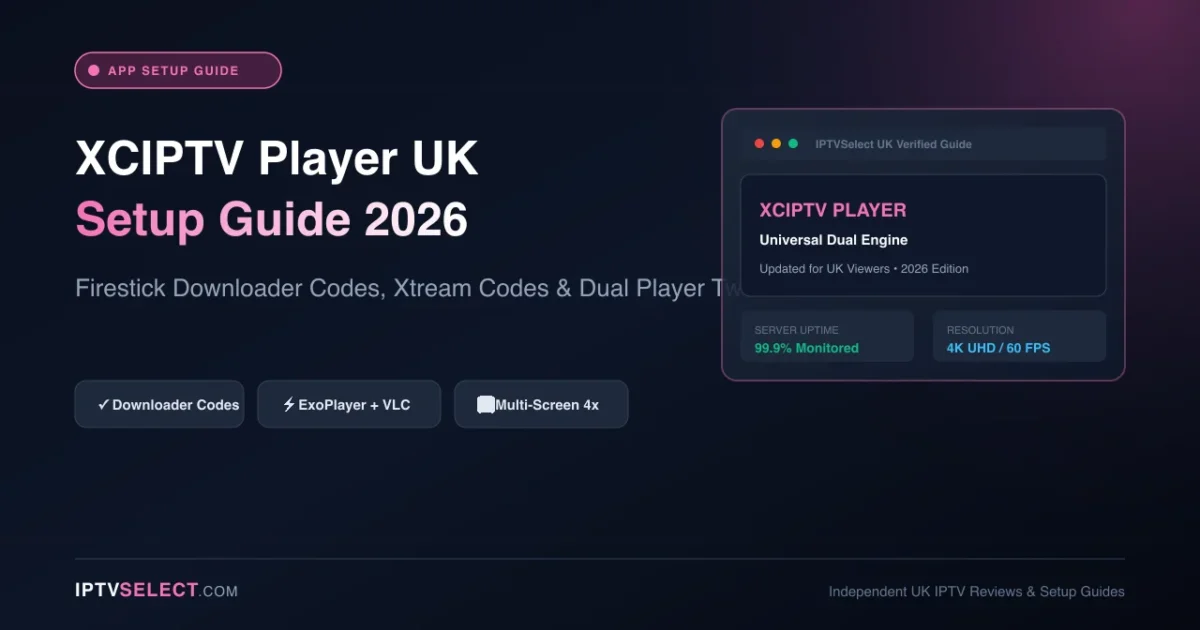
Alongside TiviMate and IPTV Smarters Pro, XCIPTV Player stands as one of the most reliable and widely used streaming applications for UK television viewers in 2026. Renowned for its intuitive dashboard layout, integrated speed testing, built-in dual player engines (ExoPlayer and VLC), and robust multi-screen capabilities, XCIPTV is an essential tool for streaming live sports, UK entertainment channels, and video-on-demand on Amazon Fire TV Sticks, Google TVs, and Android boxes.

Because XCIPTV is not distributed directly through the official Amazon Appstore, UK users must sideload the application using the Downloader app. In this updated 2026 walkthrough, we provide verified working XCIPTV Downloader codes, guide you through logging in with Xtream Codes API credentials, and share optimal player configurations to eliminate buffering on live UK sports.
What Makes XCIPTV Player Stand Out in the UK?
While many basic players struggle with complex M3U playlists containing over 20,000 channels, XCIPTV was engineered specifically for modern Xtream Codes API architecture. Key advantages include:
- Dual Built-In Video Players: XCIPTV includes both ExoPlayer (ideal for low-latency live television and high-frame-rate 50fps UK sports) and VLC Player (superior for older codecs, foreign audio tracks, and high-bitrate 4K VOD movies). You can switch between players with a single tap.
- Integrated Multi-Screen Viewing: Watch up to 4 live sports matches simultaneously on a single TV screen. Perfect for busy Premier League Saturdays or keeping tabs on Formula 1 qualifying while tracking football.
- Built-In Speed Test Tool: Diagnose buffering issues directly within the app without leaving your stream or launching an external browser.
- Automated EPG & Backup Sync: Save your customized channel order and favorite categories to local storage or cloud backup.
Working XCIPTV Downloader Codes for Firestick (2026)
To install XCIPTV onto an Amazon Fire TV Stick, Fire TV Cube, or Google TV, launch the Downloader app and enter one of the verified numeric short codes below into the URL bar:
| App Version | Downloader Numeric Code | Compatible Devices |
|---|---|---|
| XCIPTV Player (Official Latest APK) | 285741 | Firestick 4K / Max, Android TV, Google TV |
| XCIPTV Classic (Stable VOD Build) | 732843 | Older Firesticks (Gen 2/3), Budget Android Boxes |
| XCIPTV Player Pro (Arm64 Build) | 644908 | Nvidia Shield TV Pro, Fire TV Cube 3 |
Step-by-Step Installation on Amazon Firestick
- Enable Developer Options on Firestick:
- Go to Settings (gear icon) > My Fire TV > About.
- Highlight your device name and click the select button on your remote 7 times rapidly until the banner announces: “No need, you are already a developer.”
- Press back once to return to My Fire TV and open the newly revealed Developer Options menu.
- Turn on Install Unknown Apps (or Apps from Unknown Sources).
- Install Downloader:
- From your Firestick home screen, click Find > Search, type Downloader, and install the orange app by AFTVnews.
- Launch Downloader, grant storage permissions, and ensure Developer Options has enabled permissions for Downloader.
- Download & Install XCIPTV:
- In Downloader’s URL input box, enter code
285741and click Go. - Wait for the APK file to download (~35MB), then click Install.
- Once complete, click Done, then click Delete twice to delete the temporary installation file and preserve your Firestick’s precious flash storage.
- In Downloader’s URL input box, enter code
How to Log In with Xtream Codes API
When you launch XCIPTV for the first time, you will be greeted by the login screen offering multiple connection methods. We strongly recommend selecting Login with Xtream Codes API:
- Server URL / Portal: Enter your provider’s server domain and port (for example,
http://domain.tv:8080). Ensure you includehttp://at the beginning and check for trailing spaces. - Username & Password: Enter your username and password provided by your UK IPTV provider. Note that passwords are case-sensitive.
- Click Sign In: XCIPTV will authenticate with the server and automatically begin downloading your live TV bouquet, VOD movie library, TV series list, and electronic programme guide.
Optimal XCIPTV Settings for Buffer-Free UK Viewing
To extract the absolute highest performance and prevent mid-match buffering during Premier League broadcasts:
- Configure Default Player to ExoPlayer: Navigate to Settings > Player Selection. Set Live TV to ExoPlayer with Hardware (HW) acceleration enabled. ExoPlayer delivers the fastest channel switching times and handles 50fps UK sports feeds with zero dropped frames.
- Set VOD Player to VLC: For movies and series, change the default player to VLC. VLC features superior compatibility with external subtitles (.srt), multi-track surround audio, and 4K HDR containers.
- Set EPG Time Offset to UK GMT/BST: If your programme guide shows programmes starting an hour early or late, go to Settings > Time Format / EPG Offset and adjust the offset to +0:00 (or +1:00 during British Summer Time).
- Run Built-In Speed Test: Open the Speed Test tab from XCIPTV’s main menu. For 4K streams, ensure your download speed is at least 35 Mbps with ping under 40ms. If speeds are slower, check our IPTV freezing troubleshooting guide.
XCIPTV vs TiviMate vs IPTV Smarters Pro
| Feature | XCIPTV Player | TiviMate | IPTV Smarters Pro |
|---|---|---|---|
| Cost | Free (Ad-Supported or Pro) | Freemium (£29 lifetime) | Free (Lite & Premium) |
| Player Engine | Dual (ExoPlayer + VLC) | ExoPlayer | Custom Built-in / External |
| Multi-Screen | Yes (Up to 4 screens) | Yes (Up to 9 screens) | Yes (Up to 4 screens) |
| Channel Guide UI | Dashboard & Category Tiles | Grid TV Guide (Satellite Style) | List & Grid View |
| Best Used For | All-rounders & Multi-match fans | Pure Live TV Enthusiasts | Mobile & Smart TV Users |
Frequently Asked Questions About XCIPTV UK
Is XCIPTV Player legal to install in the UK?
Yes, XCIPTV Player is 100% legal software. It is an empty media player that contains no pre-loaded channels or media. Legality depends entirely on the stream sources you connect. Read our complete UK IPTV legal guide for full details.
Why is XCIPTV showing “Invalid Server URL” or “Network Error”?
This almost always indicates either a typo in the portal address, server downtime, or active ISP filtering by your UK broadband provider (Virgin Media, Sky, or BT). Turning on a recommended UK IPTV VPN will bypass ISP blocks instantly.
Can I record live TV in XCIPTV?
Yes, XCIPTV includes a DVR recording function. You can connect a USB flash drive to your Firestick using an OTG cable and record scheduled broadcasts directly to external storage.
How can I try XCIPTV with a UK subscription?
Test your favorite UK sports and entertainment channels on XCIPTV by claiming our instant 24-hour IPTV free trial with zero card details required.