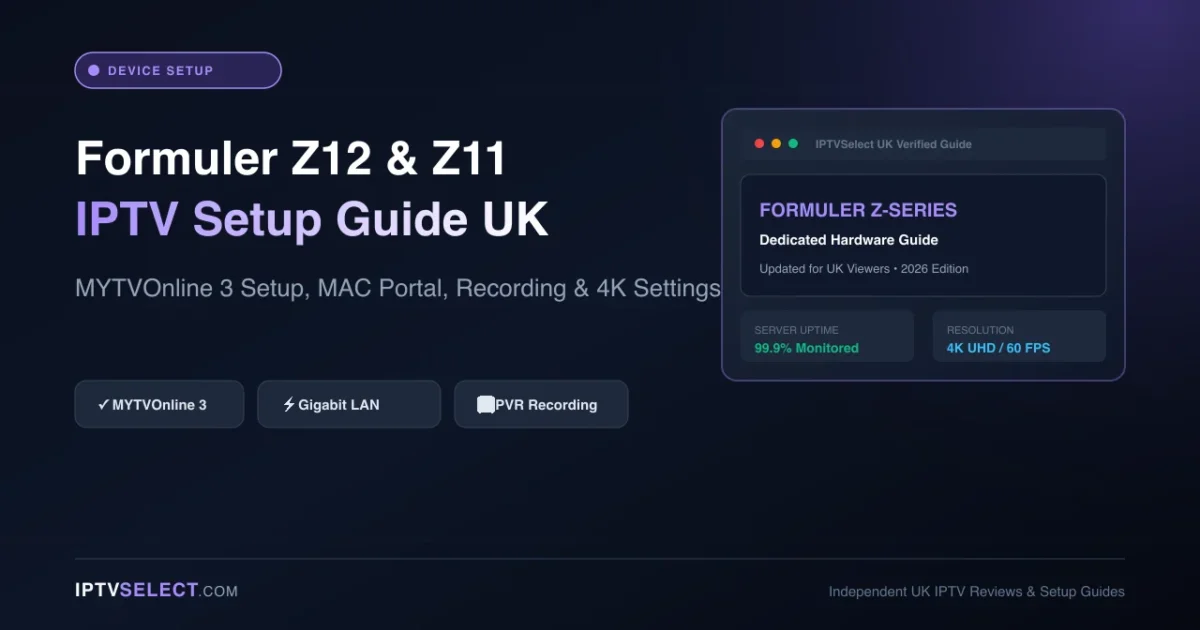
In the world of dedicated IPTV hardware, Formuler has earned an unmatched reputation among UK enthusiasts. While streaming sticks like the Amazon Fire TV Stick provide budget-friendly entry points, the Formuler Z11 Pro Max and the flagship Formuler Z12 Ultra represent the gold standard in premium, purpose-built streaming boxes. Built around Formuler’s exclusive, award-winning MYTVOnline 3 (MOL3) application, these devices deliver an authentic satellite-grade viewing experience with instant channel zapping, automated cloud EPG syncing, multi-provider aggregation, and seamless USB recording.
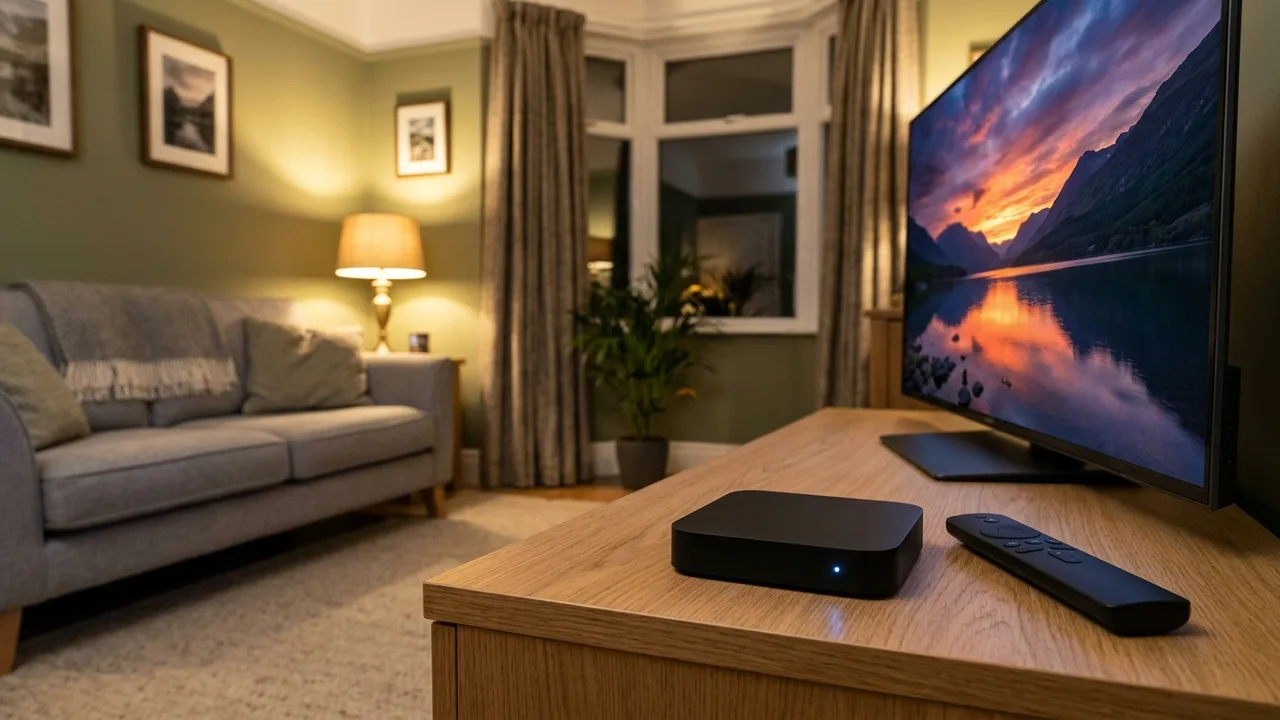
If you have recently acquired a Formuler device or are considering upgrading from a generic streaming dongle, this complete 2026 UK tutorial guides you step-by-step through setting up your Formuler box, connecting your IPTV subscription via MAC address or Xtream Codes API, configuring recording to external USB storage, and unlocking flawless 50fps UK sports streaming.
Why Choose Formuler Z11 Pro Max & Z12 Ultra in the UK?
Unlike generic Android TV boxes flooding online marketplaces, Formuler engineers both their proprietary hardware and their custom middleware from the ground up specifically for live television. Key advantages include:
- Exclusive MYTVOnline 3 (MOL3): MOL3 is widely considered the single best IPTV interface on the market. It allows you to combine multiple IPTV subscriptions into a single unified channel guide, creates automated universal searches across Live TV and VOD, and supports full Picture-in-Picture (PiP).
- Superior UK Sports Playback (Auto Frame Rate): Formuler boxes include hardware-level Auto Frame Rate (AFR) matching. Sky Sports, TNT Sports, and BBC channels broadcast at 50Hz. Standard Android sticks often force 60Hz output, creating microscopic judder during football and tennis. Formuler switches your TV automatically to true 50Hz.
- Full PVR Recording & Timeshift: Insert a fast USB 3.0 flash drive or external SSD to record live matches while watching another channel, schedule series recordings from the 7-day EPG, and pause or rewind live television.
- Premium Ergonomic BT1 Remote: The Formuler GTV-BT1 Bluetooth remote features dedicated TV power, numeric keypad, volume punch-through, and custom hotkeys for instantaneous channel navigation.
Formuler Z11 Pro Max vs Formuler Z12 Ultra: Specs Comparison
| Specification | Formuler Z11 Pro Max | Formuler Z12 Ultra |
|---|---|---|
| Operating System | Android 11 | Android 12 |
| RAM & Storage | 4GB DDR4 / 32GB eMMC | 4GB DDR4 / 64GB eMMC |
| Networking | Gigabit Ethernet + Wi-Fi 6 | Gigabit Ethernet + Wi-Fi 6E (Tri-Band) |
| Video Decoding | 4K HDR10+, AV1, H.265 | 4K 60fps HDR10+, AV1, Dolby Vision |
| Middleware | MYTVOnline 3 | MYTVOnline 3 (Latest V12 Build) |
| Target User | UK Sports & Live TV Viewers | Hardcore Enthusiasts & Multi-Room |
Step-by-Step Setup: Connecting IPTV on MYTVOnline 3
Formuler boxes support two primary connection methods: MAC Address / Stalker Portal and Xtream Codes API. Xtream Codes API is recommended for modern UK providers due to superior VOD categorization and faster EPG caching.
Method A: Setting Up via Xtream Codes API (Recommended)
- Launch MYTVOnline 3: Turn on your Formuler box and select the MYTVOnline 3 icon from the main home screen.
- Add Content Source: In the initial setup wizard (or by navigating to Content Manager > Content Sources), click Add Content Source.
- Select Xtream Codes API: Enter a recognizable nickname for your connection (e.g., IPTVSelect UK).
- Input Provider Credentials: Enter the Server URL (e.g.
http://domain.com:port), your Username, and your Password exactly as provided by your provider. - Configure Sync Options: Toggle both Live TV and VOD / TV Series to ON. Check the box for Sync EPG.
- Connect: Click Connect. MOL3 will verify credentials, download the channel bouquets, and populate your 7-day electronic programme guide.
Method B: Setting Up via MAC ID (Stalker Portal)
If your provider requires your device MAC address to activate your service:
- Locate Your Formuler MAC ID: In MYTVOnline 3, go to Settings > System Information or look at the barcode sticker on the underside of your box. Formuler MAC addresses typically begin with
00:1E:B8:.... - Submit to Provider: Send this MAC address to your IPTV provider when ordering or requesting a free IPTV trial.
- Add Portal: Inside MOL3, select Add Portal, enter the Portal URL provided by your service, and click Connect.
Configuring USB PVR Recording & Timeshift in MYTVOnline 3
One of the primary reasons UK customers purchase Formuler is the ability to record live sports matches without subscription fees:
- Format Storage: Insert a high-speed USB 3.0 flash drive (at least 64GB) or external USB SSD into the blue USB 3.0 port on the side of your Formuler box. Go to Settings > Storage and format the drive as exFAT or NTFS to support 4K video files larger than 4GB.
- Set Recording Path: Open MYTVOnline 3, go to Settings > DVR Options, and select your USB drive as the default recording directory.
- Schedule from EPG: Navigate through your UK electronic program guide, find the upcoming match (such as a 3pm Saturday football fixture), press the Info button on your BT1 remote, and select Schedule Recording. You can even set pre-recording and post-recording buffer times (e.g., +15 minutes) to ensure extra-time is captured.
Optimising Audio, Video & Network Settings for UK Viewers
To eliminate stuttering and buffering on your Formuler box:
- Enable Auto Frame Rate (AFR): Inside MYTVOnline 3, go to Settings > Player Options > Auto Frame Rate and toggle it to ON (Match Content Rate). This guarantees that 50Hz UK sports broadcasts run at a smooth 50fps while 24fps Hollywood films switch seamlessly.
- Adjust Stream Buffer Size: If your broadband experiences occasional jitter, increase the buffer size in MOL3 from Normal (1s) to Large (3s-5s). This provides a safety cushion during heavy UK peak streaming periods.
- Prefer Hardwired Ethernet: While the Z11 Pro Max and Z12 Ultra feature exceptional Wi-Fi 6/6E chipsets, connecting directly via a Cat6 Ethernet cable to your router delivers the lowest latency and zero packet loss. Read our best router for IPTV UK guide for optimal router configurations.
Frequently Asked Questions About Formuler IPTV
Can I use a VPN with Formuler MYTVOnline 3?
Yes. Formuler runs Android, meaning you can install your preferred VPN directly from the Google Play Store or sideload it via Downloader. Once active, all MYTVOnline 3 traffic is encrypted, shielding your streaming activity from UK ISP throttling.
Can I install TiviMate or IPTV Smarters on a Formuler box?
Yes. While MYTVOnline 3 is pre-installed and purpose-built for the hardware, Formuler devices have full access to the Google Play Store, allowing you to install TiviMate, IPTV Smarters Pro, or Netflix alongside MOL3.
What causes the “Code 7” or “Portal Disconnected” error in MOL3?
This error typically indicates that your provider subscription has expired, your MAC address has not been registered on their server, or your ISP is blocking access to the provider portal. Enabling a VPN usually resolves the connection immediately.
How can I test my Formuler box before purchasing a long-term plan?
We recommend starting with our no-commitment 24-hour IPTV free trial to experience the lightning-fast zapping speed of Formuler hardware firsthand.